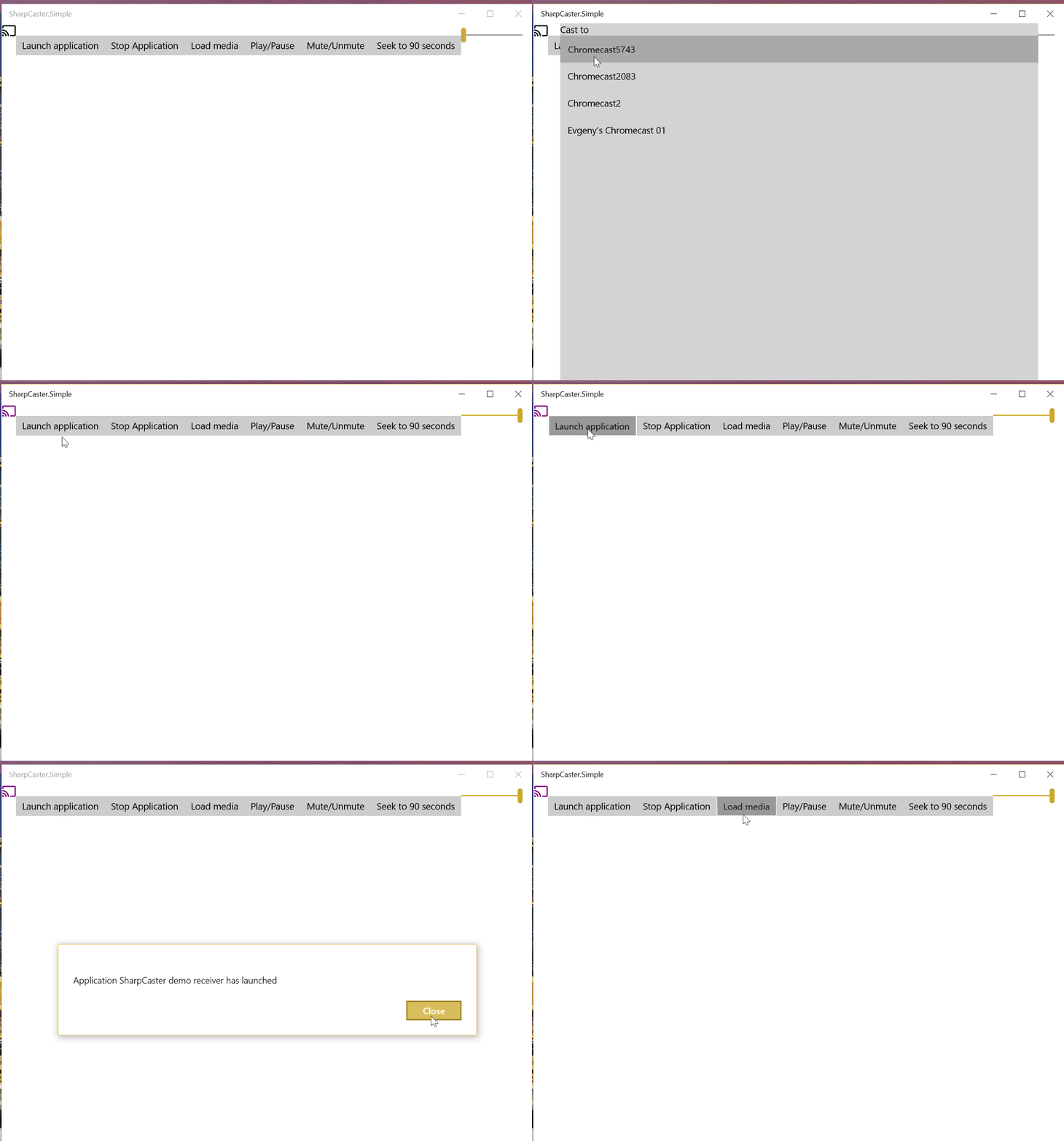
Cross-platform .NET SDK for Google Chromecast with media control, queue management, and Native AOT support. Discover devices, stream media, and build custom Cast applications with async/await APIs.
SharpCaster is a cross-platform C# SDK for communicating with Google Chromecast devices. It enables .NET applications to discover, connect, launch apps, and control media playback on Chromecast devices with support for both .NET Standard 2.0 and .NET 9 (including AOT compilation).
✅ Device Discovery: Automatic discovery of Chromecast devices on your local network using mDNS
✅ : Complete media playback control (play, pause, stop, seek, volume)
✅ : Support for media queues with navigation (next, previous, shuffle, repeat)
✅ : Launch and manage Chromecast applications
✅ : Extensible architecture for custom Chromecast channels
✅ : Compatible with .NET Standard 2.0 and .NET 9
✅ : Full support for Native AOT compilation in .NET 9
✅ : Modern async programming model throughout
✅ : Rich event system for real-time status updates
Media Control
Queue Management
Application Management
Custom Channels
Cross-Platform
AOT Ready
Async/Await
Event-Driven
Installation
Install via NuGet Package Manager:
Install-Package SharpCaster
Or via .NET CLI:
dotnet add package SharpCaster
Quick Start
1. Discover and Connect to Chromecast
using Sharpcaster;
using Sharpcaster.Models;
using Sharpcaster.Models.Media;

// Discover Chromecast devices
var locator = new MdnsChromecastLocator();
var cancellationToken = new CancellationTokenSource(TimeSpan.FromSeconds(5)).Token;
var chromecasts = await locator.FindReceiversAsync(cancellationToken);

if (!chromecasts.Any())
{
    Console.WriteLine("No Chromecast devices found");
    return;
}

// Connect to first found device
var chromecast = chromecasts.First();
var client = new ChromecastClient();
await client.ConnectChromecast(chromecast);
Console.WriteLine($"Connected to {chromecast.Name}");
2. Launch Application and Play Media
// Launch the default media receiver app
await client.LaunchApplicationAsync("CC1AD845"); // Default Media Receiver

// Create and load media
var media = new Media
{
    ContentUrl = "https://commondatastorage.googleapis.com/gtv-videos-bucket/CastVideos/mp4/DesigningForGoogleCast.mp4",
    ContentType = "video/mp4",
    Metadata = new MediaMetadata
    {
        Title = "Sample Video",
        SubTitle = "A demonstration video"
    }
};

var mediaStatus = await client.MediaChannel.LoadAsync(media);
Console.WriteLine($"Media loaded: {mediaStatus.PlayerState}");
Comprehensive Examples
Complete Media Player Example
public class ChromecastMediaPlayer
{
    private ChromecastClient _client;
    private ChromecastReceiver _device;

    public async Task<bool> ConnectAsync(string deviceName = null)
    {
        try
        {
            var locator = new MdnsChromecastLocator();
            var devices = await locator.FindReceiversAsync(CancellationToken.None);

            _device = deviceName != null
                ? devices.FirstOrDefault(d => d.Name.Contains(deviceName))
                : devices.FirstOrDefault();

            if (_device == null) return false;

            _client = new ChromecastClient();
            await _client.ConnectChromecast(_device);

            // Subscribe to events
            _client.MediaChannel.StatusChanged += OnMediaStatusChanged;
            _client.Disconnected += OnDisconnected;

            return true;
        }
        catch (Exception ex)
        {
            Console.WriteLine($"Connection failed: {ex.Message}");
            return false;
        }
    }

    public async Task PlayVideoAsync(string url, string title = null)
    {
        await _client.LaunchApplicationAsync("CC1AD845"); // Default Media Receiver

        var media = new Media
        {
            ContentUrl = url,
            ContentType = GetContentType(url),
            Metadata = new MediaMetadata
            {
                Title = title ?? Path.GetFileNameWithoutExtension(url),
                MetadataType = MetadataType.Movie
            }
        };

        await _client.MediaChannel.LoadAsync(media);
    }

    public async Task PlayAudioAsync(string url, string title = null, string artist = null)
    {
        await _client.LaunchApplicationAsync("CC1AD845");

        var media = new Media
        {
            ContentUrl = url,
            ContentType = GetContentType(url),
            Metadata = new MusicTrackMetadata
            {
                Title = title ?? Path.GetFileNameWithoutExtension(url),
                Artist = artist,
                MetadataType = MetadataType.MusicTrack
            }
        };

        await _client.MediaChannel.LoadAsync(media);
    }

    private void OnMediaStatusChanged(object sender, MediaStatus status)
    {
        Console.WriteLine($"Media Status: {status.PlayerState} - {status.CurrentTime:F1}s");
    }

    private void OnDisconnected(object sender, EventArgs e)
    {
        Console.WriteLine("Disconnected from Chromecast");
    }

    private static string GetContentType(string url)
    {
        var extension = Path.GetExtension(url).ToLower();
        return extension switch
        {
            ".mp4" => "video/mp4",
            ".mp3" => "audio/mpeg",
            ".wav" => "audio/wav",
            ".webm" => "video/webm",
            _ => "video/mp4"
        };
    }
}
Media Queue Management
SharpCaster supports advanced queue operations for playlist-style media playback:
// Create a media queue
var queueItems = new[]
{
    new QueueItem
    {
        Media = new Media
        {
            ContentUrl = "https://example.com/song1.mp3",
            ContentType = "audio/mpeg",
            Metadata = new MusicTrackMetadata { Title = "Song 1", Artist = "Artist 1" }
        }
    },
    new QueueItem
    {
        Media = new Media
        {
            ContentUrl = "https://example.com/song2.mp3",
            ContentType = "audio/mpeg",
            Metadata = new MusicTrackMetadata { Title = "Song 2", Artist = "Artist 2" }
        }
    }
};

// Load queue with repeat mode
await client.MediaChannel.QueueLoadAsync(queueItems, 0, RepeatModeType.ALL);

// Navigate through queue
await client.MediaChannel.QueueNextAsync();  // Next track
await client.MediaChannel.QueuePrevAsync();  // Previous track

// Get queue information
var itemIds = await client.MediaChannel.QueueGetItemIdsAsync();
var items = await client.MediaChannel.QueueGetItemsAsync(itemIds);
Volume Control
// Get current volume
var status = await client.ReceiverChannel.GetChromecastStatusAsync();
Console.WriteLine($"Current volume: {status.Volume.Level:P0}");

// Set volume (0.0 to 1.0)
await client.ReceiverChannel.SetVolumeAsync(0.5f);

// Mute/unmute
await client.ReceiverChannel.SetMutedAsync(true);
await client.ReceiverChannel.SetMutedAsync(false);
Event Handling
SharpCaster provides rich event support for real-time updates:
Create custom channels for specialized applications:
public class CustomGameChannel : ChromecastChannel
{
    public CustomGameChannel(ILogger<CustomGameChannel> logger)
        : base("custom.game", logger) { }

    public async Task SendGameCommandAsync(string command, object data)
    {
        var message = new { type = command, data = data };
        await SendAsync(JsonSerializer.Serialize(message));
    }

    protected override async Task OnMessageReceivedAsync(string message, string messageType)
    {
        // Handle custom game messages
        var gameMessage = JsonSerializer.Deserialize<GameMessage>(message);
        // Process game-specific logic
    }
}

// Register and use custom channel
var gameChannel = new CustomGameChannel(logger);
client.RegisterChannel(gameChannel);
You can also reverse engineer existing channels:
In Chrome, go to chrome://net-export/
Select 'Include raw bytes (will include cookies and credentials)'
Search for type:SOCKET and find familiar JSON data
Collect the exchanged JSON
Create a new class inheriting from ChromecastChannel and implement your logic
Troubleshooting
Common Issues and Solutions
Device Discovery Issues:
// Increase discovery timeout for slow networks
var cancellationToken = new CancellationTokenSource(TimeSpan.FromSeconds(10)).Token;
var devices = await locator.FindReceiversAsync(cancellationToken);

// Manually specify device if discovery fails
var manualDevice = new ChromecastReceiver
{
    Name = "My Chromecast",
    DeviceUri = new Uri("http://192.168.1.100"),
    Port = 8009
};
Connection Timeouts:
// Enable logging for debugging
var loggerFactory = LoggerFactory.Create(builder =>
    builder.AddConsole().SetMinimumLevel(LogLevel.Debug));

var client = new ChromecastClient(loggerFactory);
Media Loading Failures:
Ensure media URLs are publicly accessible
Verify correct ContentType is specified
Check that the Chromecast supports the media format
Use HTTPS URLs when possible
Network Issues:
Ensure device is on the same network as Chromecast
Check firewall settings (port 8009 must be accessible)