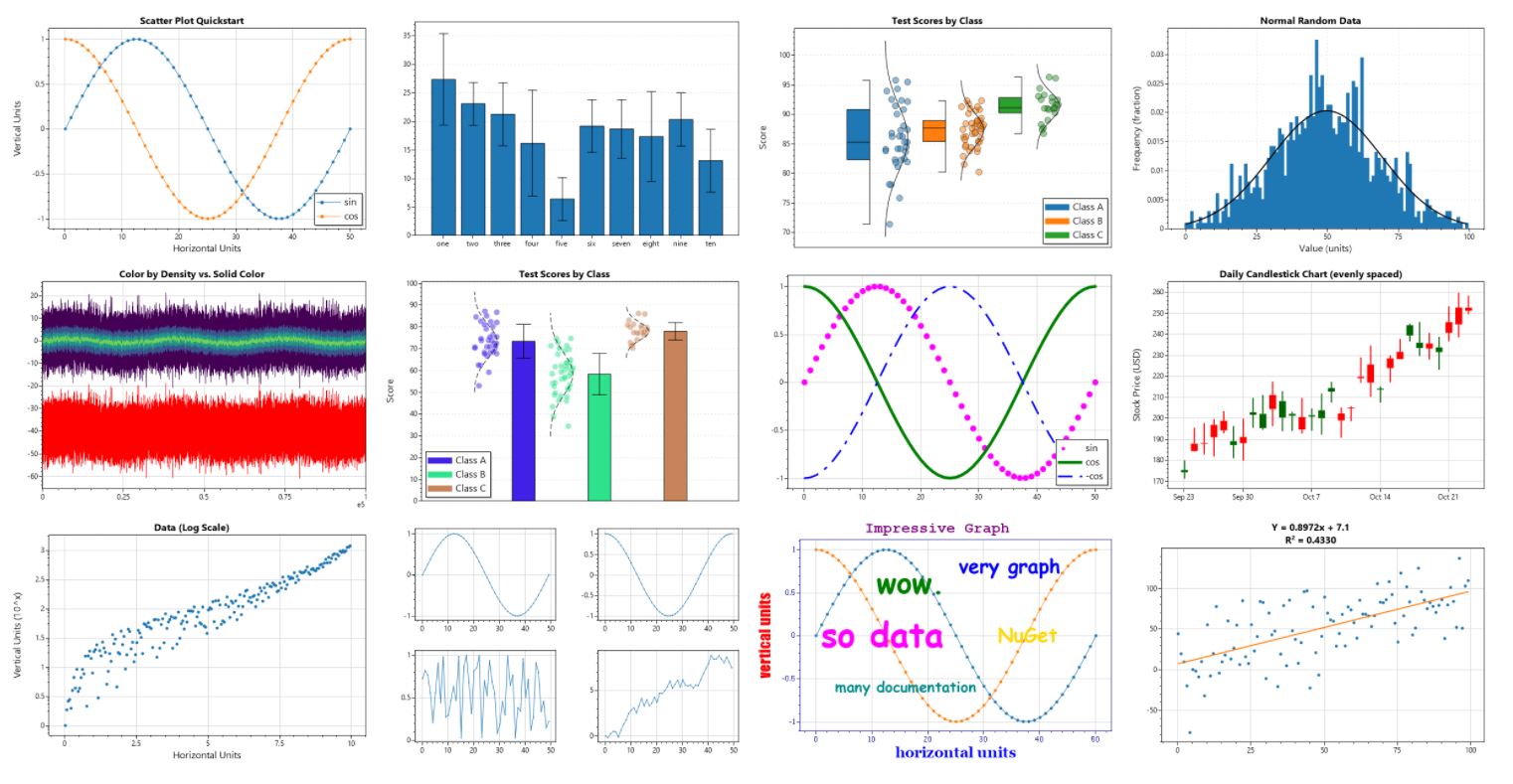
User controls for displaying interactive plots in WPF applications
Get Started
$ dotnet add package ScottPlot.WPFReadme
ScottPlot is a free and open-source plotting library for .NET that makes it easy to interactively display large datasets. This package provides a WPF control for interactive manipulation of ScottPlot plots.
WPF Quickstart
Add a WpfPlot to your window and give it a unique name:
<WpfPlot Name="WpfPlot1" />
Add the following to your start-up sequence:
double[] dataX = new double[] { 1, 2, 3, 4, 5 };
double[] dataY = new double[] { 1, 4, 9, 16, 25 };
WpfPlot1.Plot.AddScatter(dataX, dataY);
ScottPlot Cookbook
The ScottPlot Cookbook demonstrates how to create line plots, bar charts, pie graphs, scatter plots, and more with just a few lines of code.