Radzen/Radzen.Blazorv4.3.8
✓ Verified.NET 7.0.NET 8.0.NET 9.0.NET 10.0
Radzen Blazor is the most sophisticated free UI component library for Blazor, featuring 100+ native components including DataGrid, Scheduler, Charts, and advanced theming with full support for Material Design and Fluent UI.
Get Started
$ dotnet add package Radzen.BlazorReadme
Radzen Blazor is a set of 70+ free native Blazor UI controls packed with DataGrid, Scheduler, Charts and robust theming including Material design and Fluent UI.
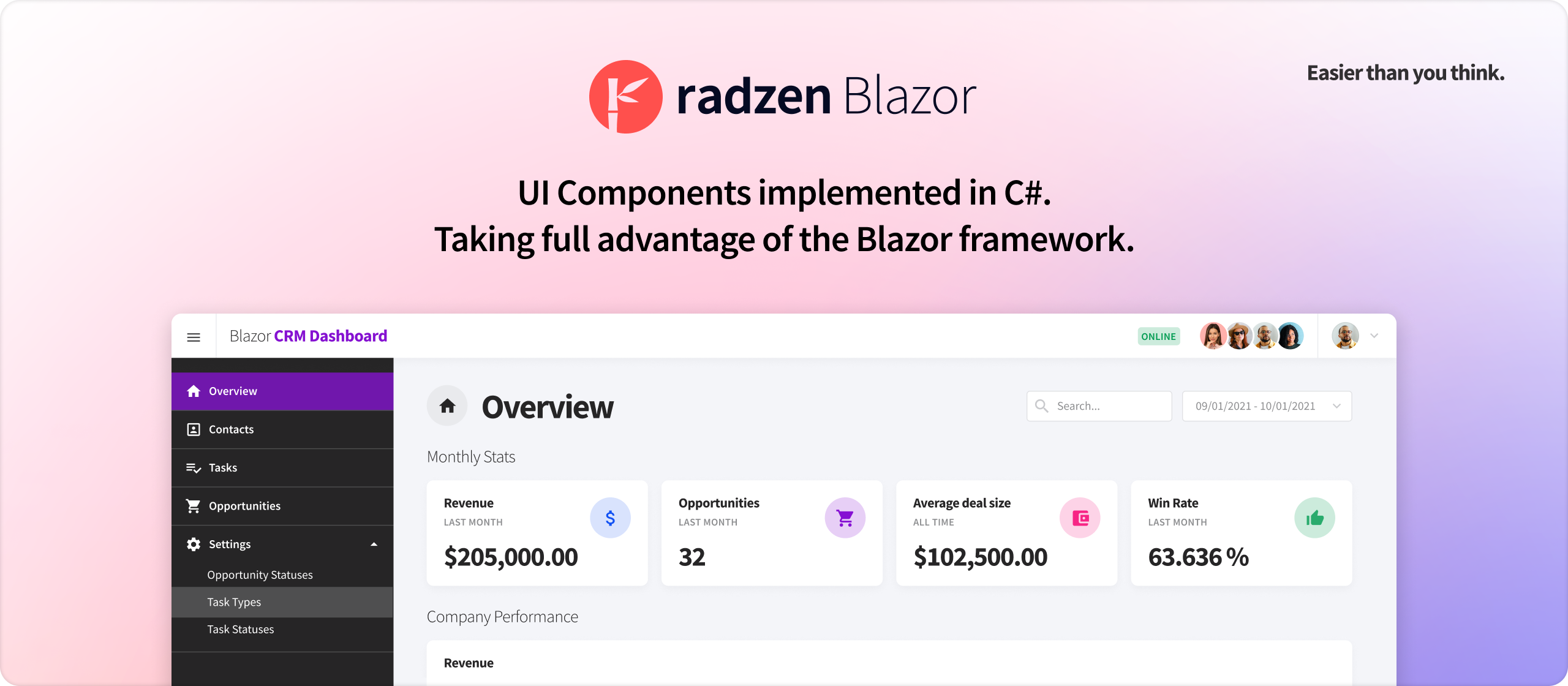
Why choose Radzen Blazor Components?
:sparkles: Free
Radzen Blazor Components are open source and free for commercial use. You can install them from nuget or build your own copy from source.
Paid support is available as part of the Radzen Professional subscription.
:computer: Native
The components are implemented in C# and take full advantage of the Blazor framework. They do not depend on or wrap existing JavaScript frameworks or libraries.
Blazor Server and Blazor WebAssembly are fully supported.
:seedling: Growing
We add new components and features on a regular basis.
Short development cycle. We release as soon as new stuff is available. No more quarterly releases.
Support exceeding your expectations
:speech_balloon: Community Support
Everybody is welcome to visit the Radzen Community forum. Join the growing community and participate in the discussions!
:dart: Dedicated Support
The Radzen team monitors the forum threads, but does not guarantee a response to every question. For guaranteed responses you may consider the dedicated support option.
Dedicated support for the Radzen Blazor Components is available as part of the Radzen Professional subscription.
Our flagship product Radzen Blazor Studio provides tons of productivity features for Blazor developers:
- An industry-leading WYSIWYG Blazor design time canvas
- Scaffolding a complete CRUD applications from a database
- Built-in security - authentication and authorization
- Visual Studio Code and Professional support