Iron WebScraper is a C# web scraping library, allowing developers to simulate & automate human browsing behavior to extract content, files & images from web applications as native .NET objects. Iron Web Scraper manages politeness & multithreading in the background, leaving a developer’s own application easy to understand & maintain.
Iron Web Scraper can be used to migrate content from existing websites as well as build search indexes and monitor website structure & content changes. It's functionality includes:
» Read & extract structured content from web pages using html DOM, Javascript, Xpath, jQuery Style CSS Selectors.
» Fast multi threading allows hundreds of simultaneous requests.
» Politely avoid over stalling remote servers using IP/domain level throttling & optionally respecting robots.txt
» Manage multiple identities, DNS, proxies, user agents, request methods, custom headers, cookies & logins.
» Data exported from websites becomes native C# objects which can be stored or used immediately.
» Exceptions managed in all but the developers own code. Errors and captchas auto retried on failure
» Save, pause, resume, autosave scrape jobs.
» Built in web cache allows for action replay, crash recovery, and querying existing web scrape data. Change scrape logic on the fly, then replay job without internet traffic.
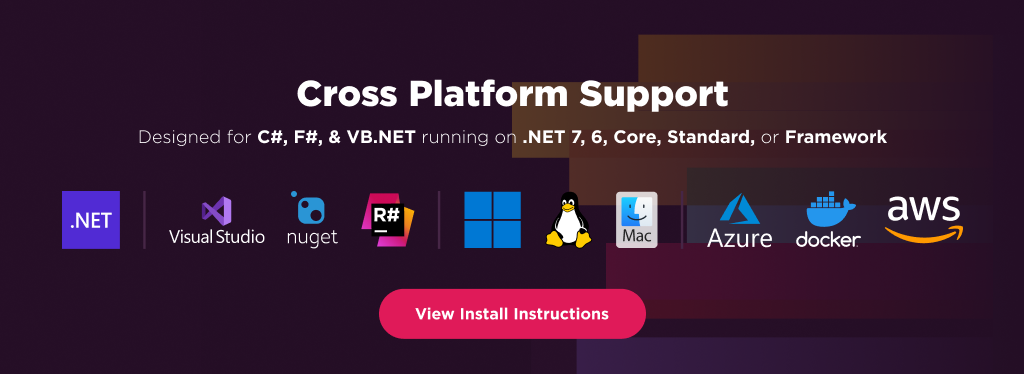
Supports: Framework .NET 4.6.2+, .NET Core 3.1+, .NET Standard 2.0+, .NET 5, .NET 6, .NET 7, .NET 8 and .NET 9 on Windows, Linux, macOS, Mobile, AWS and Azure
Licensing & Support available for commercial deployments. For code examples, documentation & more visit http://ironsoftware.com/cshapr/webscraper. For support please email us at support@ironsoftware.com.
Iron WebScraper is a C# web scraping library, allowing developers to simulate & automate human browsing behavior to extract content, files & images from web applications as native .Net objects. Iron Web Scraper manages politeness & multithreading in the background, leaving a developer’s own application easy to understand & maintain.
Iron WebScraper can be used to migrate content from existing websites as well as build search indexes and monitor website structure & content changes.
Iron WebScraper allows developers to:
Read & extract structured content from web pages using html DOM, Javascript, Xpath, jQuery Style CSS Selectors.
Fast multi threading allows hundreds of simultaneous requests.
Politely avoid over stalling remote servers using IP/domain level throttling & optionally respecting robots.txt
Manage multiple identities, DNS, proxies, user agents, request methods, custom headers, cookies & logins.
Data exported from websites becomes native C# objects which can be stored or used immediately.
Exceptions managed in all but the developers own code. Errors and captchas auto retried on failure
Save, pause, resume, autosave scrape jobs.
Built in web cache allows for action replay, crash recovery, and querying existing web scrape data. Change scrape logic on the fly, then replay job without internet traffic.
Iron WebScraper has cross platform support compatibility with:
.NET 6 and .NET 5, .NET Core, Standard, and Framework
You can email us at developers@ironsoftware.com for support directly from our code team. We offer licensing and extensive support for commercial deployment projects.


%20-107C10?logo=visualstudio)