IronPrint.Xamarin - An easy to use print library
A fast and natural approach to work with printers in C#.
For code samples, docs & more visit https://ironsoftware.com/csharp/print/
Key library features include:
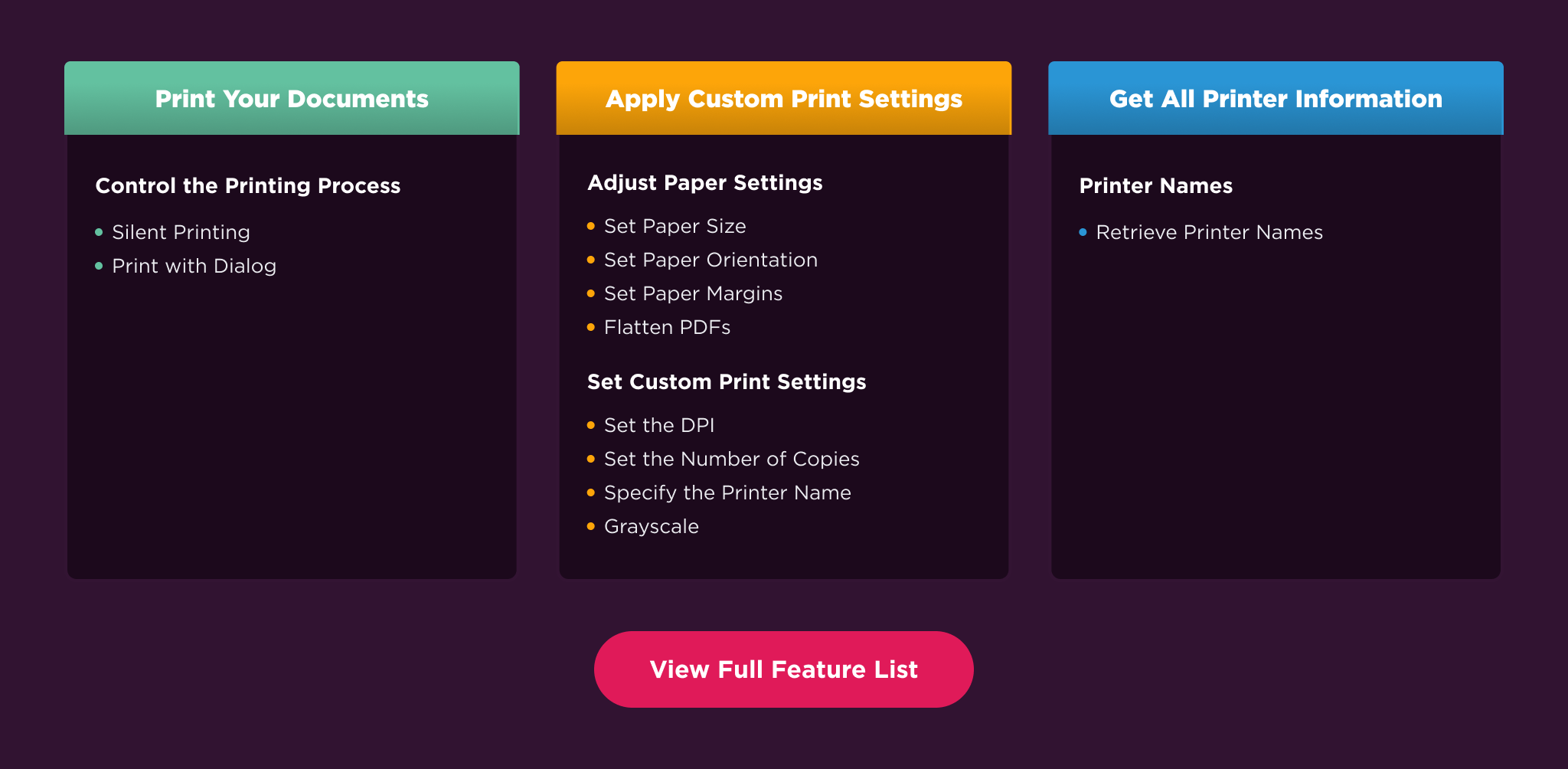
* Print with or without dialog
* Easy-to-use print settings
Works with:
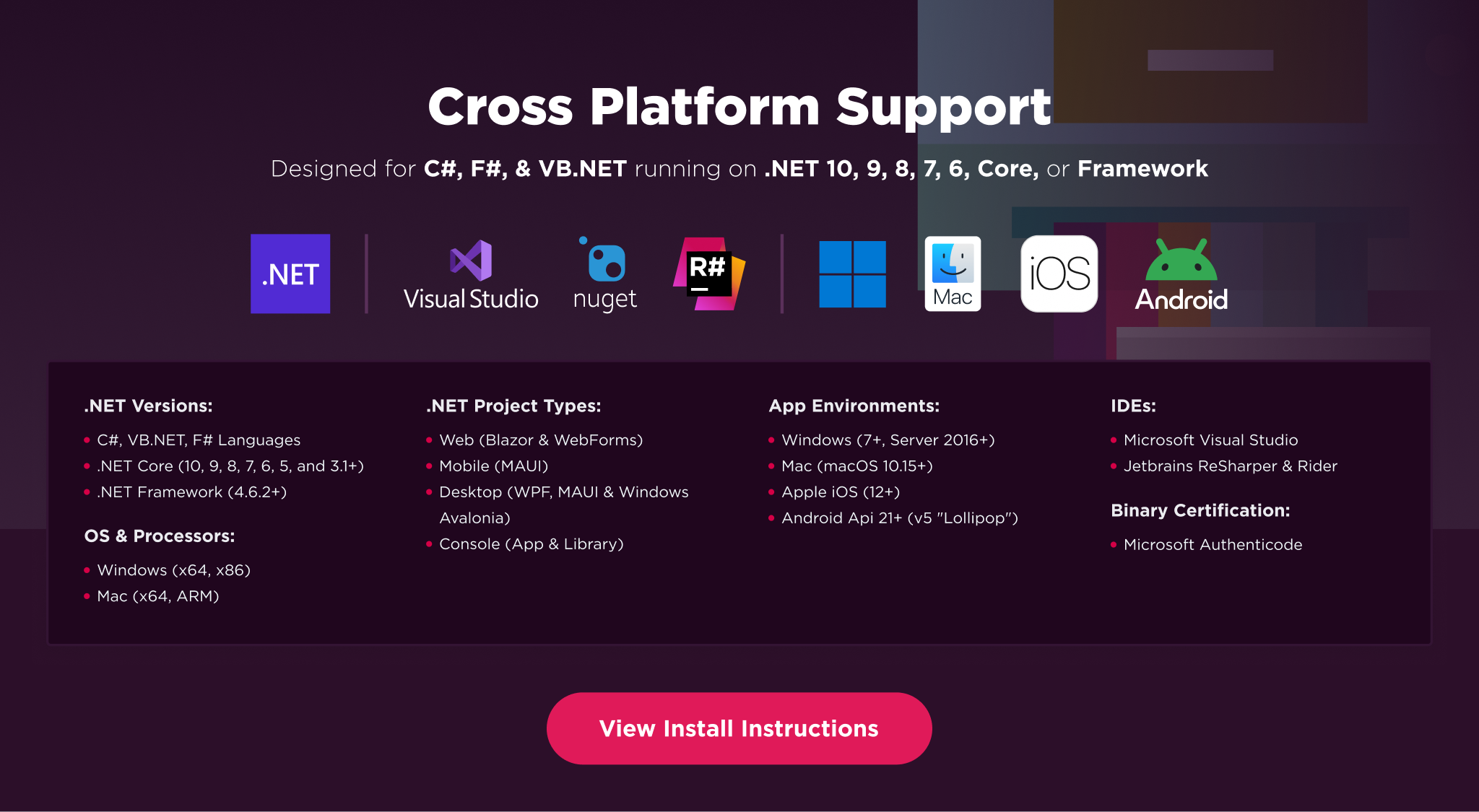
* **.NET 10**, .NET 9, .NET 8, .NET 7, .NET 6 and .NET 5, Core 2x & 3x, Standard 2 and Framework 4.6.2+
* Windows, macOS, maccatalyst, iOS and Android
Licensing & Support available for commercial deployments.
Find full documentation at: https://ironsoftware.com/csharp/print/
For support please contact us: support@ironsoftware.com
Effortlessly print documents, images, and PDFs in your .NET applications
IronPrint.Xamarin is a comprehensive C# library designed for developers to programmatically print documents such as PDFs and images. With a user-friendly API, you can customize print settings, and integrate printing functionality seamlessly into your .NET applications.
Call IronPrint.Printer.Initialize(activity) from the MainActivity to ensure IronPrint is properly initialized.
Xamarin.Forms
Add the IronPrint.Xamarin Nuget package to the iOS and Android projects & the shared Forms project. For the Android project, call IronPrint.Printer.Initialize(activity) from the MainActivity to ensure IronPrint is properly initialized.
Important
For Xamarin.Forms, the user needs to ensure that the IronPrint.Xamarin package is added to both the platform projects (e.g. Android and iOS projects) as well as the shared forms project.
This is actually the same way most Xamarin.Forms libraries are integrated into projects.
2. Print Your First Document
using IronPrint.Xamarin;

// Print PDF document
await IronPrint.Printer.PrintAsync("myDocument.pdf");
// Or
await IronPrint.Printer.ShowPrintDialogAsync("myDocument.pdf");

// Get printer list
var printerList = await IronPrint.Printer.GetPrinterNamesAsync();
3. Explore More
Dive deeper with our extensive documentation and examples:
Tutorials: Step-by-step guides to help you build your first printing application.
Code Examples: Concise set of code that can be easily executable.
How-To Guides: Practical, goal-oriented instructions to solve specific problems.
Demo: Detailed technical descriptions of the API and its components.
API Reference: Demonstrating guides that showcase how IronPrint.Xamarin works the way it does.
Key Features
Print Documents: Programmatically send PDFs, images, and other common document formats directly to a printer from your .NET application.
Customize Printing: Adjust print settings with precision, including paper size, orientation, page margins, and the number of copies.
Manage Printers: Select any installed local or network printer and send print jobs silently without requiring the standard print dialog to open.
Compatibility
IronPrint.Xamarin is built for modern .NET and supports a wide range of project types and operating systems.
IDEs: Microsoft Visual Studio or Jetbrains ReSharper & Rider
License
IronPrint.Xamarin is a commercially licensed product.
Trial License: Get a free developer key to evaluate the full library with no commitment. Ideal for development and testing purposes. Start your trial HERE.
Purchase a License: Unlock the library for use in commercial projects and get access to our full technical support. Purchase your license HERE.


%20-107C10?logo=visualstudio)