rainxh11/Chargily.EpayGateway.NETv1.0.5
.NET 6.0.NET Std2.0.NET Std2.1
⚠ Deprecated: Other
This package is now maintained under the Chargily Organization, Any future releases, updates & bugfixes will only be pushed to it
Suggested alternative: chargily.epay.csharp
C# .NET Library to use Chargily Epay Payment Gateway
Get Started
$ dotnet add package Chargily.EpayGateway.NETReadme
<img src="https://raw.githubusercontent.com/rainxh11/Chargily.EpayGateway.NET/master/assets/chargily.svg" width="300">

Chargily ePay Gateway C#.NET Plugin, supports ASP.NET Core, Xamarin, .NET MAUI
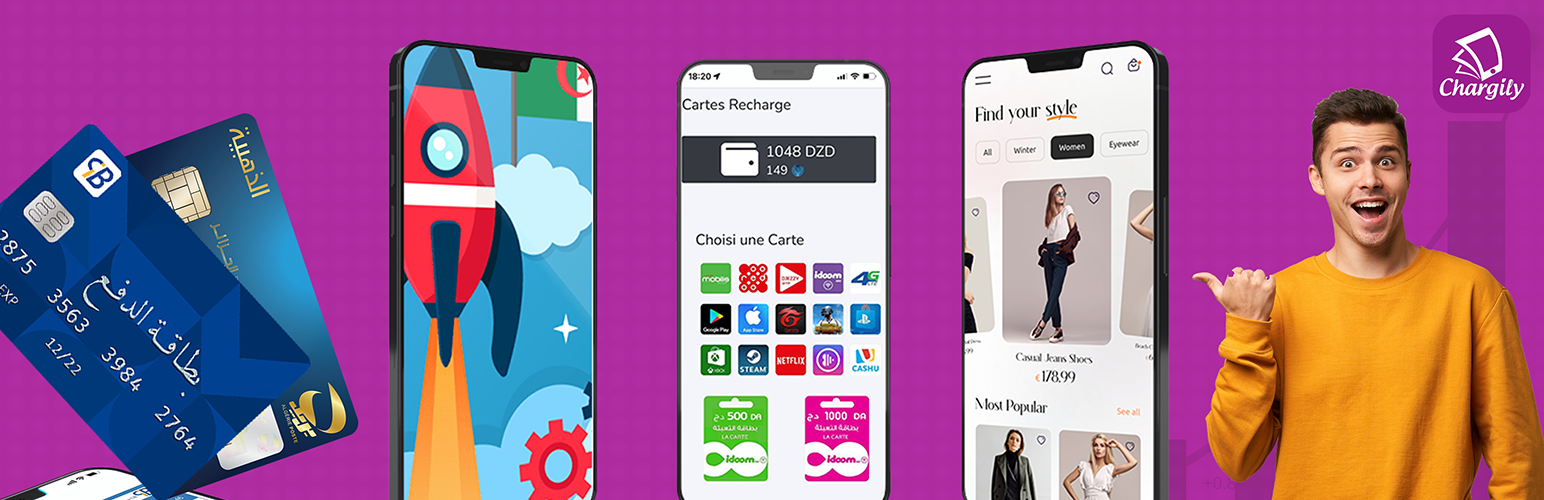
Integrate ePayment gateway with Chargily easily.
- Currently support payment by CIB / EDAHABIA cards and soon by Visa / Mastercard
- This is a C#.NET Nuget Package, If you are using another programing language Browse here or look to API documentation
Installation
First, install the Chargily.EpayGateway.NET NuGet package into your app
PM> Install-Package Chargily.EpayGateway.NET
Requirements
- Get your API Key/Secret from ePay by Chargily dashboard for free
The package needs to be configured with your account's secret key, which is available in the ePay Dashboard.
How to use
this package provide ChargilyEpayClient client, to create payment request use:
using Chargily.EpayGateway.NET;

var client = ChagilyEpay.CreateClient("[API_KEY]");

var payment = new PaymentRequest()
{
    InvoiceNumber = "[SOME_INVOICE_NUMER]"
    Name = "Ahmed",
    Email = "rainxh11@gmail.com",
    Amount = 1500,
    DiscountPercentage = 5.0,
    PaymentMethod = PaymentMethod.EDAHABIA,
    RedirectBackTo = "https://example.com/",
    CameFrom = "https://shop.com/purchase",
    ExtraInfo = "Product Purchase"
};

var response = await client.CreatePayment(payment);