Templatize patterns from your own codebase, make them programmable, then share them with your team
$ dotnet add package automate ┌─┐┬ ┬┌┬┐┌─┐┌┬┐┌─┐┌┬┐┌─┐
├─┤│ │ │ │ ││││├─┤ │ ├┤
┴ ┴└─┘ ┴ └─┘┴ ┴┴ ┴ ┴ └─┘
Question to a Developer:
What if I gave you a command-line tool that wrote a lot of your code for you? and it took about ~5 command-line commands (or so) for you to build out an API endpoint or all the scaffolding for a UI page?
Question to the Tech Lead on that codebase:
What if I gave you a command-line tool that built that other command-line tool for that developer? and it took about ~15 command-line commands (or so) for you to build it?
What about, if later, that command-line tool was adapted and updated (by you) as the codebase evolved and changed? The next time it is used by the developer, it refactors and automatically fixes the old code for the developer automatically?
What if you had a selection of these kinds of tools stored alongside that code, in that codebase?
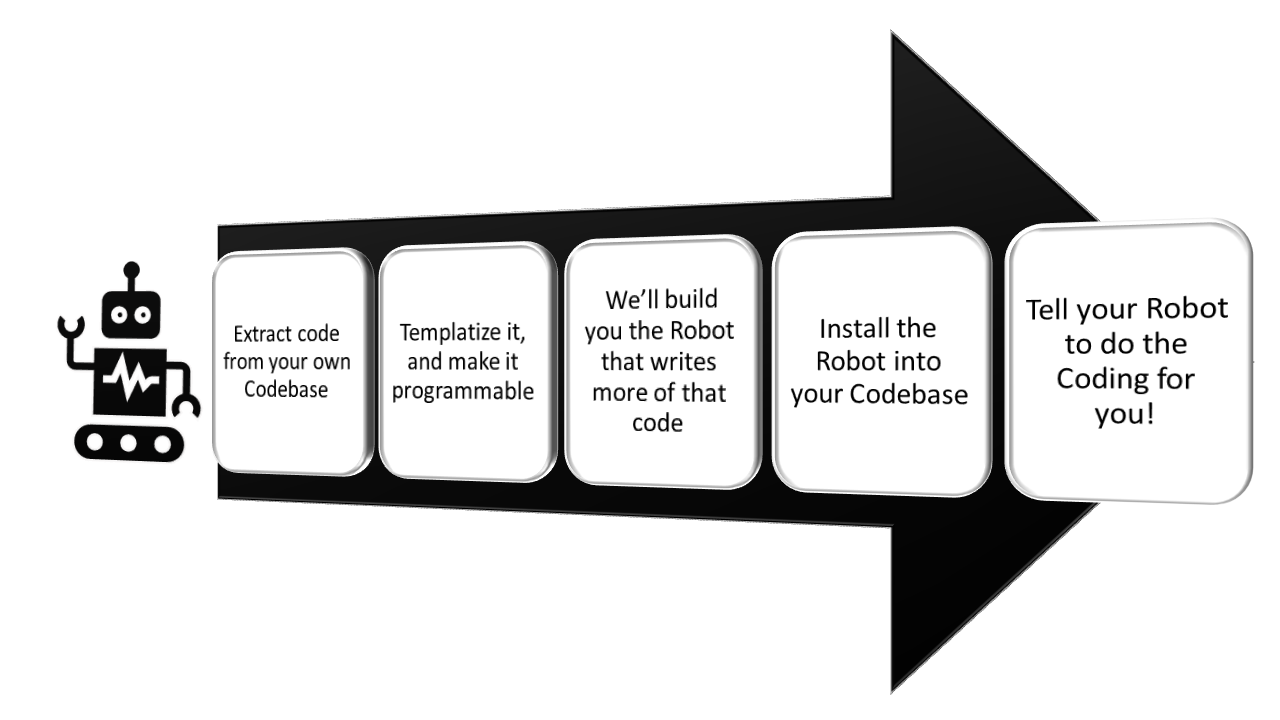
It works like this:
At some point later (inevitably), you will want to update the pattern. Refactor it, modify it, fix a defect in it, or just add new capabilities to it, etc.
If these assumptions about your software team are all true, then you might consider taking a look at this tool.
You work on a codebase with others - you are working in a software team.
You are the Tech Lead/Lead Dev/Tech Consultant of the team. (or have some other well-respected position of authority in the team).
You contribute code yourself to this codebase, and you often collaborate with others on your team about how the code is structured or written.
You already have some defined coding patterns or can create some coding patterns that are worth repeating in this specific codebase.
Your team values: consistency, clarity, and maintainability.
You accept that code changes over time and keeping things up to date is important.
If this sounds like your situation, then maybe we can help you define (and enforce) some codebase-specific coding patterns for your team to reuse.
See our Getting Started documentation to see how to install automate.
Follow this tutorial to make your first toolkit
Sick of silly examples, and keen to see an example on a real codebase?
Read our Documentation
What to contribute? We sure welcome you!
See our Contributing Guidelines.
Join the Discussion on Discord
