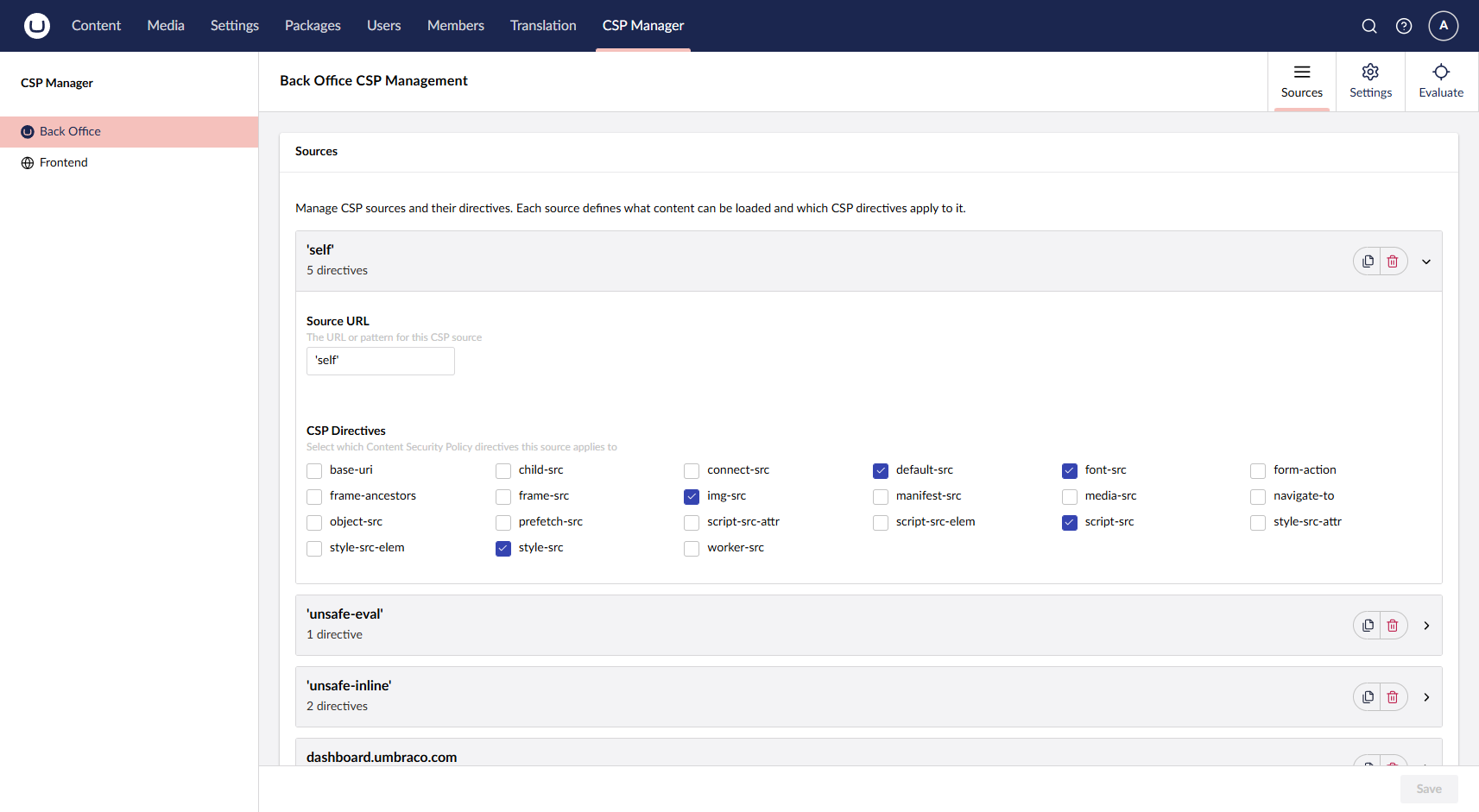
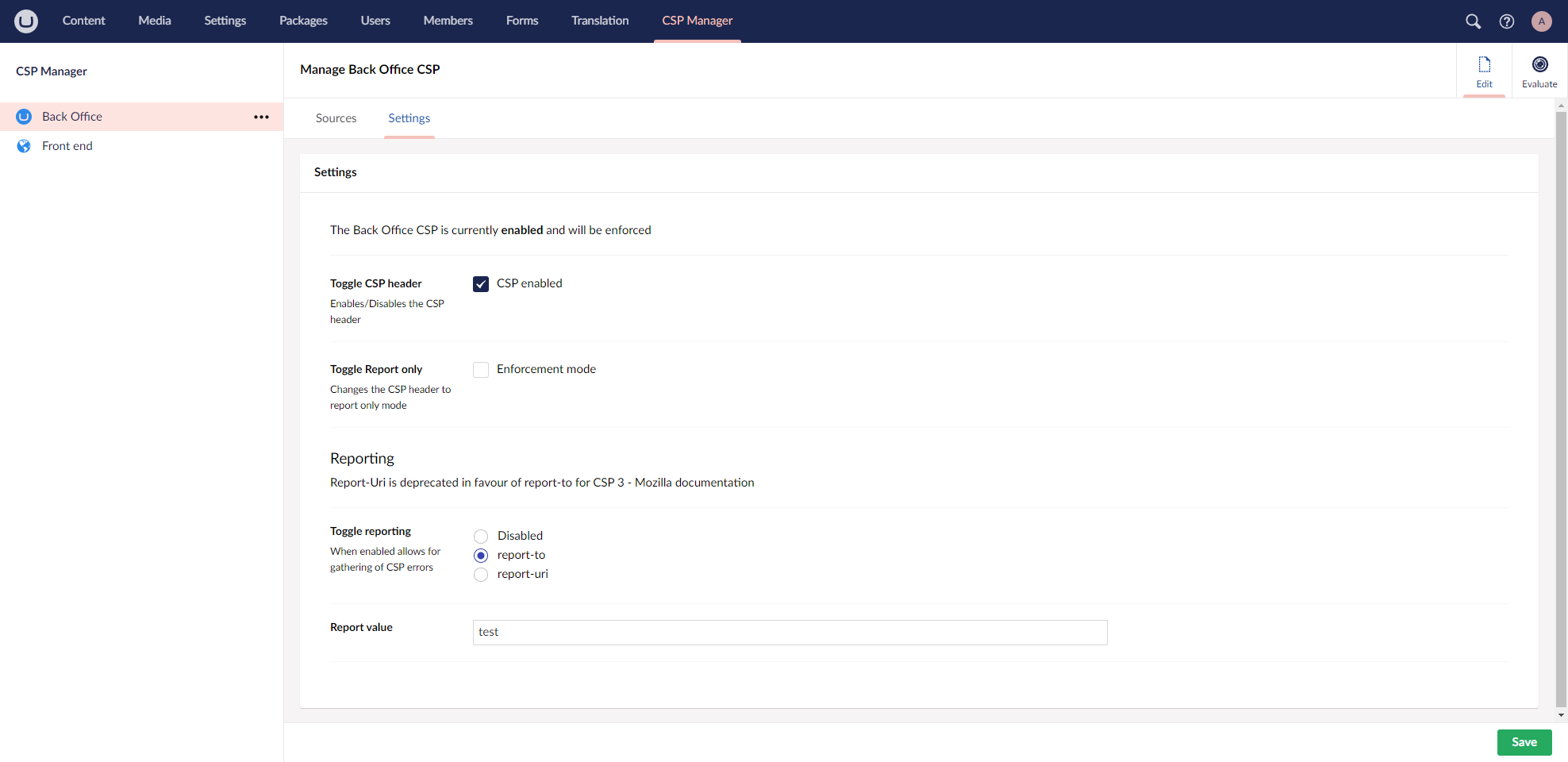
A comprehensive Content Security Policy (CSP) management package for Umbraco CMS that helps protect your website from XSS attacks and other code injection vulnerabilities. Manage CSP headers for both frontend and backend through an intuitive backoffice interface.
Features
🛡️ Frontend & Backend CSP Management - Configure different Content Security Policies for your website frontend and Umbraco backoffice
🎛️ Intuitive Backoffice Interface - Easy-to-use management screens within the Umbraco backoffice
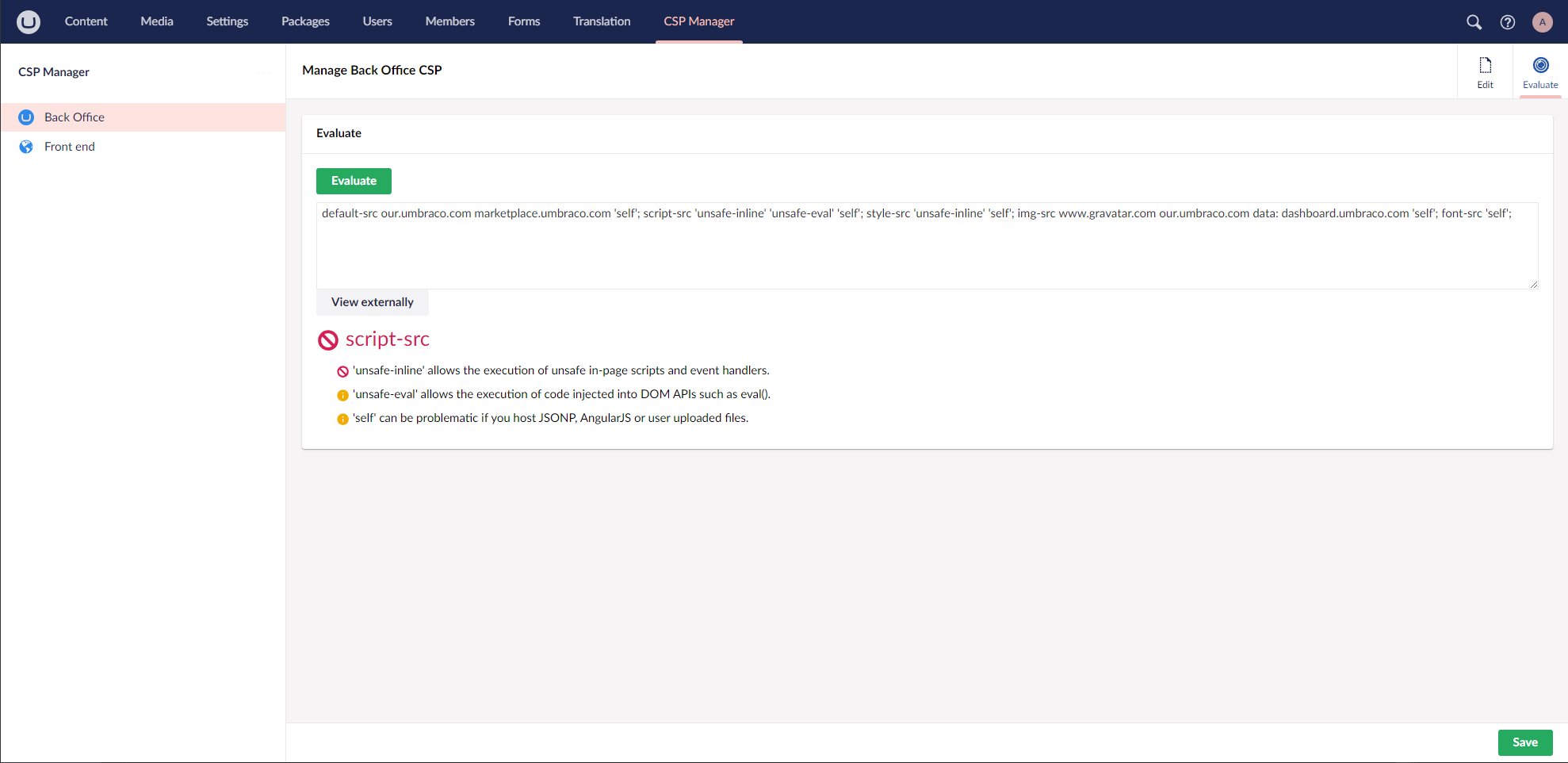
🔍 - Test and validate your Content Security Policies before deployment
CSP Evaluation Tools
🏷️ Nonce Support - Built-in tag helpers for script and style nonces
⚙️ Flexible Configuration - Customize CSP directives to match your website's requirements
The CSP Manager provides notification events that allow you to extend functionality and integrate with your application logic.
CspWritingNotification
Triggered when building a CSP definition for an HTTP request. Use this to dynamically modify Content Security Policies based on request context.
using Umbraco.Cms.Core.Events;
using Umbraco.Community.CSPManager.Notifications;

public class CustomCspWritingHandler : INotificationHandler<CspWritingNotification>
{
    public void Handle(CspWritingNotification notification)
    {
        // Modify CSP definition based on request context
        if (notification.HttpContext.Request.Path.StartsWithSegments("/api"))
        {
            // Apply different CSP for API endpoints
            notification.CspDefinition?.Directives.Add("connect-src", "'self' api.example.com");
        }
    }
}
CspSavedNotification
Triggered when a CSP definition is saved through the backoffice. Use this for cache invalidation, logging, or integration with external systems.
public class CustomCspSavedHandler : INotificationHandler<CspSavedNotification>
{
    public void Handle(CspSavedNotification notification)
    {
        // Log CSP changes
        var csp = notification.CspDefinition;
        Logger.Information("CSP policy updated for {Area}",
            csp.IsBackOffice ? "BackOffice" : "Frontend");

        // Integrate with external monitoring
        // NotifySecurityTeam(csp);
    }
}
Registering Notification Handlers
Register your custom handlers in your Startup.cs or Program.cs: