pkg
erinnmclaughlin/Tizzani.MudBlazor.HtmlEditorv2.3.0
.NET 6.0.NET 7.0.NET 8.0.NET 9.0
A customizable HTML editor component for MudBlazor, powered by QuillJS.
Get Started
$ dotnet add package Tizzani.MudBlazor.HtmlEditorReadme
Tizzani.MudBlazor.HtmlEditor
A customizable HTML editor component for MudBlazor, powered by QuillJS.




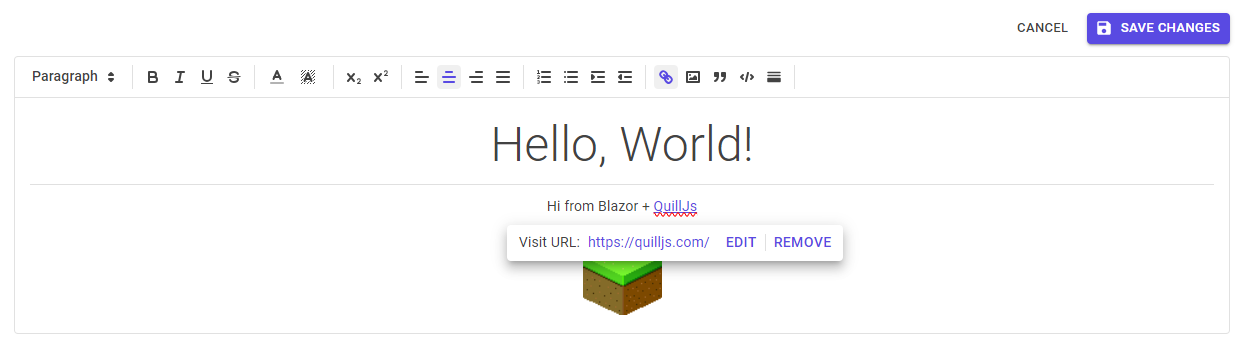
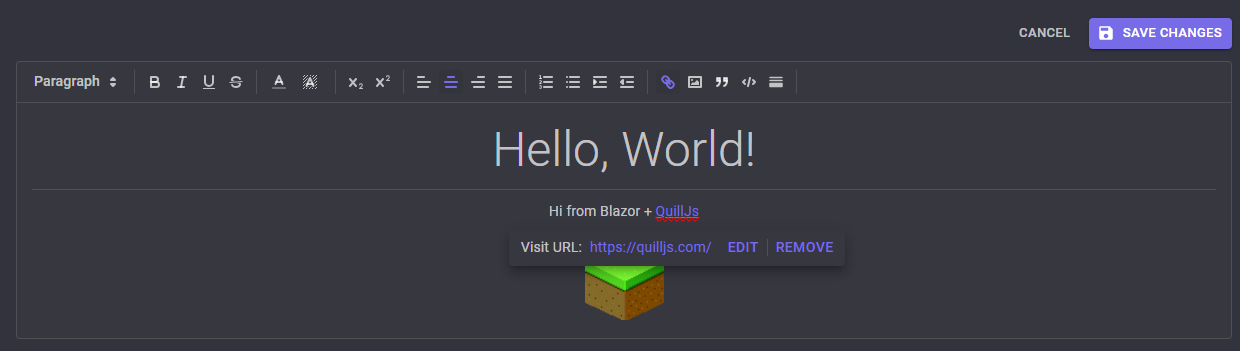
Works in dark mode, too!
Installation
Download the latest release from NuGet:
dotnet add package Tizzani.MudBlazor.HtmlEditor
Add references to the required CSS and JS to your main HTML file (e.g. App.razor, index.html, or Page.cshtml depending on your Blazor setup):
<!-- Add to document <head> -->
<link href="_content/Tizzani.MudBlazor.HtmlEditor/MudHtmlEditor.css" rel="stylesheet" />

<!-- Add to document <body> -->
<script src="https://cdn.jsdelivr.net/npm/quill@2.0.2/dist/quill.js"></script>
<script src="_content/Tizzani.MudBlazor.HtmlEditor/quill-blot-formatter.min.js"></script> <!-- optional; for image resize -->
Finally, add the following to your _Imports.razor:
@using Tizzani.MudBlazor.HtmlEditor
Configuring Toolbar Options (available since v2.1)
There are several options available for customizing the HTML editor toolbar.
To customize options for a specific editor instance, define a <MudHtmlToolbarOptions> inside the <MudHtmlEditor>:
<MudHtmlEditor>
  <MudHtmlToolbarOptions InsertImage="false" /> <!-- This will exclude the "insert image" toolbar option -->
</MudHtmlEditor>