This package provides the functionality to utilize the features of Syncfusion® Xamarin Button, CheckBox, Radio Button, Chips,Segmented Control, and Switch.
Get Started
$ dotnet add package Syncfusion.Xamarin.ButtonsReadme
Syncfusion® Xamarin.Forms Button Components
This package contains Xamarin.Forms Check Box, Xamarin.Forms Radio Button, Xamarin.Forms Chips, Xamarin.Forms Button, Xamarin.Forms Segmented Control, and Xamarin.Forms Switch components for Xamarin application.
Note: This package needs to be installed in all Xamarin.Forms projects (PCL/.NET Standard, Android, iOS, and UWP).
System Requirements
Check Box:
The Syncfusion® Xamarin.Forms Check Box is a selection control that allows users to select one or more options from a list of predefined choices.
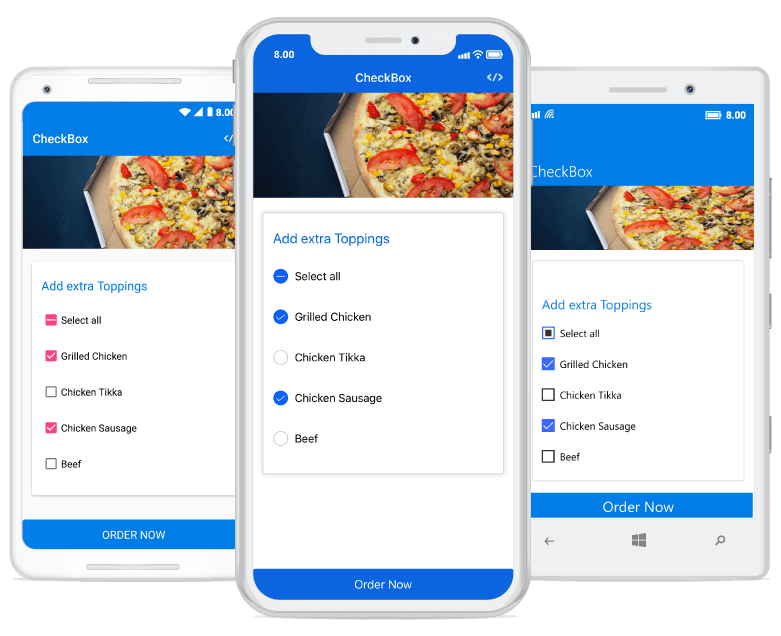
Features Overview | Docs | Online Demo | Support | Forums | Feedback
Getting Started
Radio Button:
The Syncfusion® Xamarin.Forms Radio Button is a selection control that allows users to select one option from a set.
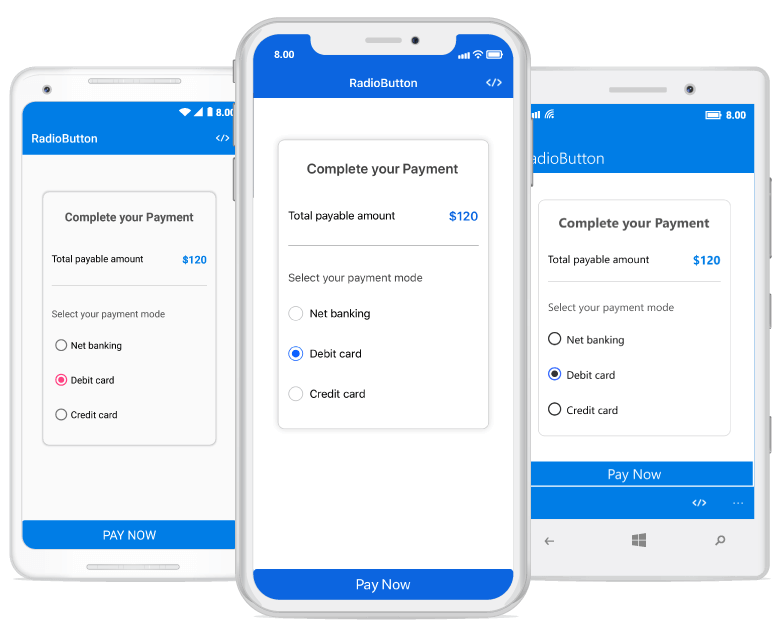
Features Overview | Docs | Online Demo | Support | Forums | Feedback
Getting Started
Chips:
The Syncfusion® Xamarin.Forms Chips is a feature-rich component that presents information in an interactive and customizable layout. It arranges multiple chips in a layout and groups them to make selection easy.
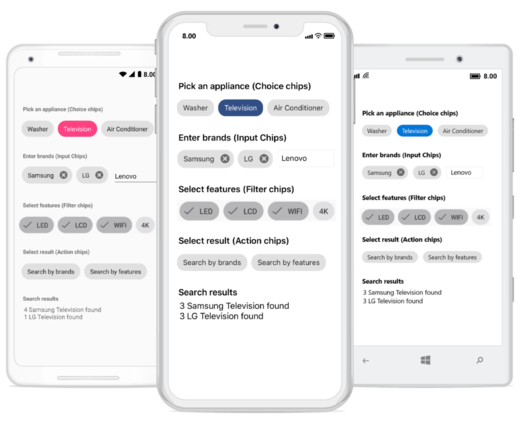
Features Overview | Docs | Online Demo | Support | Forums | Feedback
Getting Started
Button:
The Syncfusion® Xamarin.Forms Button is a custom button control. It has several built-in features such as UI customization, support for icons, predefined styles, toggle states, corner edge radii and customization of the appearance of different visual states using the visual state manager.
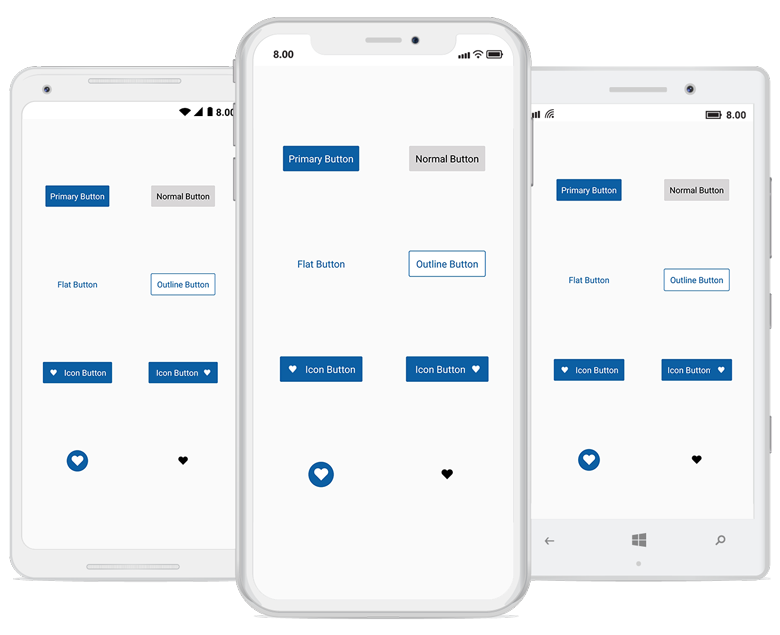
Features Overview | Docs | Online Demo | Support | Forums | Feedback
Getting Started
Segmented Control:
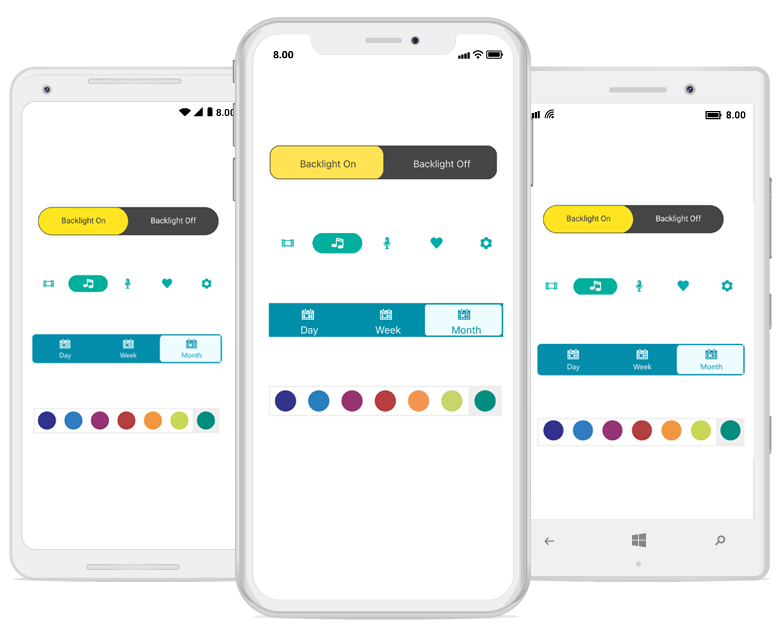
The Syncfusion® Xamarin.Forms Segmented Control provides a simple way to choose from a linear set of two or more segments, each of which functions as a mutually exclusive button.
Features Overview | Docs | Online Demo | Support | Forums | Feedback
Getting Started
Switch:
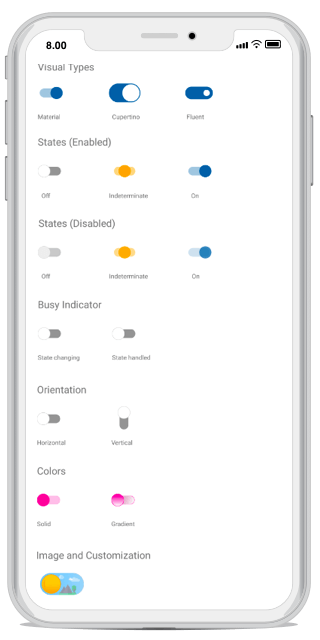
The Syncfusion® Xamarin.Forms Switch is a custom switch control with UI customization, intermediate state, and theme support. You can set images, different height, width and customize the appearance for different visual states using the visual state manager.
Features Overview | Docs | Online Demo | Support | Forums | Feedback
Getting Started
License
This is a commercial product and requires a paid license for possession or use. Syncfusion® licensed software, including this component, is subject to the terms and conditions of Syncfusion's EULA. You can purchase a license here or start a free 30-day trial here.
About Syncfusion®
Founded in 2001 and headquartered in Research Triangle Park, N.C., Syncfusion® has more than 29,000 customers and more than 1 million users, including large financial institutions, Fortune 500 companies, and global IT consultancies.
Today, we provide 1800+ components and frameworks for web (Blazor, Flutter, ASP.NET Core, ASP.NET MVC, ASP.NET Web Forms, JavaScript, Angular, React, Vue, and jQuery), mobile (.NET MAUI, Flutter, Xamarin, UWP, and JavaScript), and desktop development (WinForms, WPF, WinUI, .NET MAUI, Flutter, Xamarin, and UWP). We provide ready-to-deploy enterprise software for dashboards, reports, data integration, and big data processing. Many customers have saved millions in licensing fees by deploying our software.
sales@syncfusion.com | www.syncfusion.com | Toll Free: 1-888-9 DOTNET