SyncfusionInc/Syncfusion.Pdf.Imaging.Net.Corev32.2.8
✓ Verified.NET Std2.0.NET 8.0.NET 9.0.NET 10.0
Syncfusion® Essential PDF Imaging is a .NET standard PDF library used to draw the image files to PDF in any .NET Core applications. Key features: • Supports drawing JPEG, PNG, GIF, BMP, and TIFF images to PDF document. Learn more: https://www.syncfusion.com/pdf-framework/net-core Documentation: http://help.syncfusion.com/file-formats/pdf/ Support: Incident: https://www.syncfusion.com/support/directtrac/incidents/newincident Forums: https://www.syncfusion.com/forums/windowsforms This is a commercial product and requires a paid license for possession or use. The Syncfusion® licensed software, including this component, is subject to the terms and conditions of the Syncfusion® EULA (https://www.syncfusion.com/eula/es/). To acquire a license, you can purchase one at https://www.syncfusion.com/sales/products or start a free 30-day trial here (https://www.syncfusion.com/account/manage-trials/start-trials). © Copyright 2019 Syncfusion®, Inc. All Rights Reserved. The Syncfusion Essential Studio® license and copyright applies to this distribution.
Get Started
$ dotnet add package Syncfusion.Pdf.Imaging.Net.CoreReadme
Syncfusion® .NET Core PDF Imaging library
Syncfusion® .NET Core PDF Imaging is a .NET standard PDF library used to draw the image files to PDF in any .NET Core applications.
Features overview | Documentation | API Reference | Blogs | Support | Forums | Feedback.
Key Features
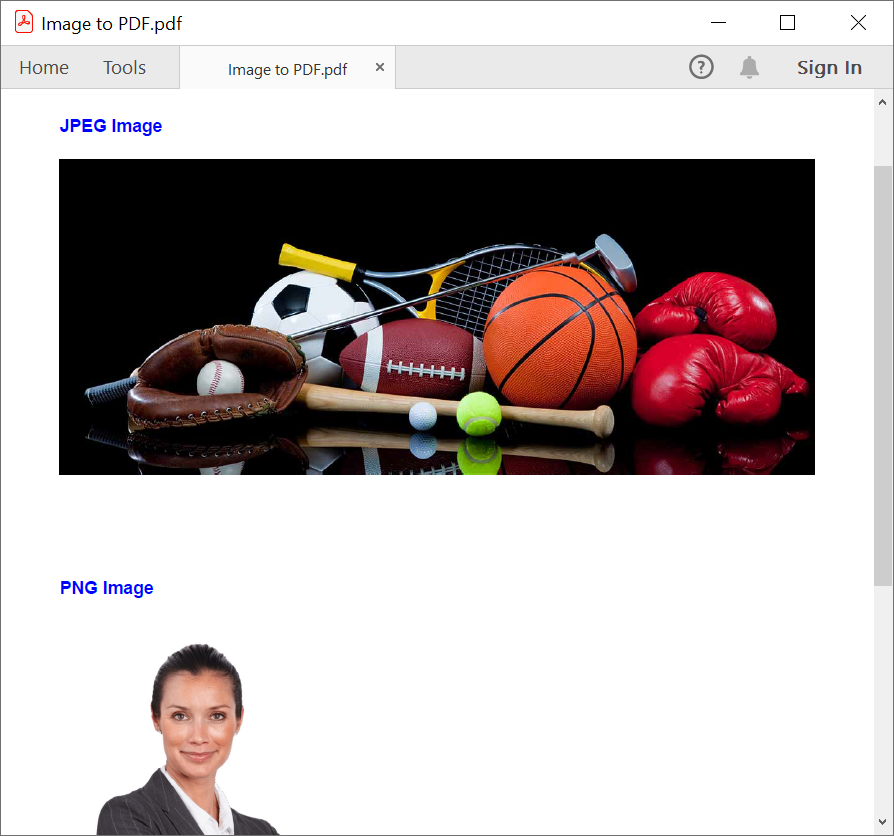
- Supports drawing JPEG, PNG images to PDF document.
- Support to compress existing PDF files.
- Support to extract images from existing PDF files.
- Support to convert PDF to PDF/A-1B conformance.
- Support for PDF/X1-A,PDF/A1-B,PDF/A3-B and PDF/A1-B conformances.
- Support to run the PDF applications in multi-thread and its thread safe.
System Requirements
Getting Started
You can fetch the Syncfusion® .NET Core PDF imaging library NuGet by simply running the command Install-Package Syncfusion.Pdf.Imaging.Net.Core from the Package Manager Console in Visual Studio.
Try the following code example to draw image to PDF document
//Create a new PDF document
PdfDocument doc = new PdfDocument();
//Add a page to the document
PdfPage page = doc.Pages.Add();
//Create PDF graphics for the page
PdfGraphics graphics = page.Graphics;
//Load the image from the disk
FileStream imageStream = new FileStream("Autumn Leaves.jpg", FileMode.Open, FileAccess.Read);
PdfBitmap image = new PdfBitmap(imageStream);
//Draw the image
graphics.DrawImage(image, 0, 0);
//Creating the stream object
MemoryStream stream = new MemoryStream();
//Save the document as stream
doc.Save(stream);
//Close the document
doc.Close(true);
License
This is a commercial product and requires a paid license for possession or use. Syncfusion’s licensed software, including this component, is subject to the terms and conditions of Syncfusion's EULA. You can purchase a license here or start a free 30-day trial here.
About Syncfusion®
Founded in 2001 and headquartered in Research Triangle Park, N.C., Syncfusion® has more than 26,000+ customers and more than 1 million users, including large financial institutions, Fortune 500 companies, and global IT consultancies.
Today, we provide 1600+ components and frameworks for web (Blazor, ASP.NET Core, ASP.NET MVC, ASP.NET WebForms, JavaScript, Angular, React, Vue, and Flutter), mobile (Xamarin, Flutter, UWP, and JavaScript), and desktop development (WinForms, WPF, WinUI(Preview), Flutter and UWP). We provide ready-to-deploy enterprise software for dashboards, reports, data integration, and big data processing. Many customers have saved millions in licensing fees by deploying our software.
sales@syncfusion.com | www.syncfusion.com | Toll Free: 1-888-9 DOTNET