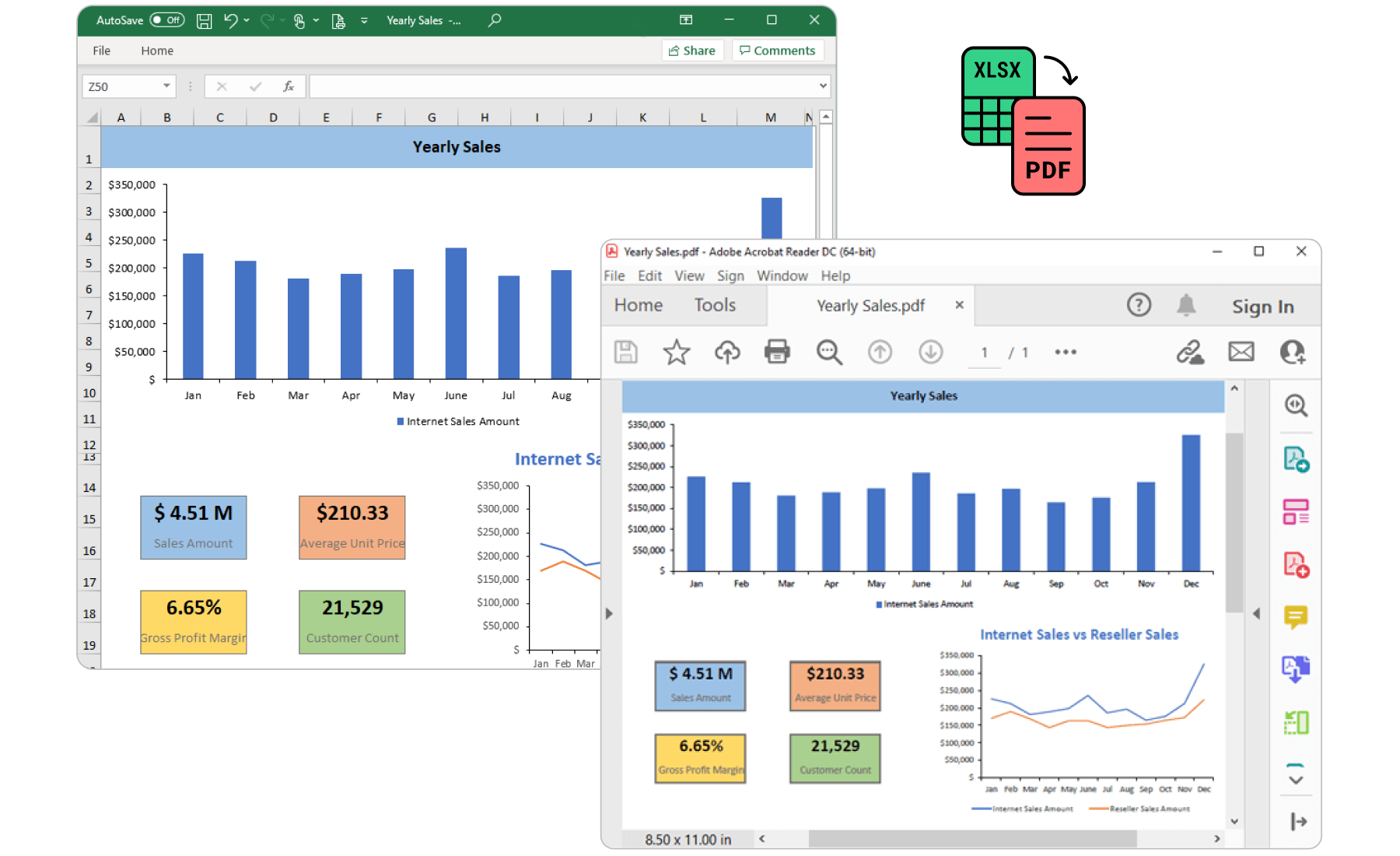
The ExcelChartToImageConverter is a .NET class library for converting Excel chart to image in any ASP.NET application without using Microsoft Office dependencies.
Documentation: https://help.syncfusion.com/file-formats/xlsio/chart-to-image-conversion?utm_source=nuget&utm_medium=listing
Support:
Incident: https://www.syncfusion.com/support/directtrac/incidents/newincident?utm_source=nuget&utm_medium=listing
Forum: https://www.syncfusion.com/forums/aspnet?utm_source=nuget&utm_medium=listing
This is a commercial product and requires a paid license for possession or use. Syncfusion’s licensed software, including this component, is subject to the terms and conditions of Syncfusion's EULA (https://www.syncfusion.com/eula/es/?utm_source=nuget&utm_medium=listing). To acquire a license, you can purchase one at https://www.syncfusion.com/sales/products?utm_source=nuget&utm_medium=listing or start a free 30-day trial here (https://www.syncfusion.com/account/manage-trials/start-trials?utm_source=nuget&utm_medium=listing).
The Syncfusion ASP.NET Excel Chart To Image Converter is a .NET class library for converting Excel chart to image programatically without using Microsoft Office dependencies.
You can fetch the Syncfusion ASP.NET Excel Chart to Image converter library NuGet by simply running the command Install-Package Syncfusion.ExcelChartToImageConverter.AspNet from the Package Manager Console in Visual Studio.
Try the following code snippet to convert an Excel Chart to Image.
using Syncfusion.XlsIO;
using System.IO;
using Syncfusion.ExcelChartToImageConverter;
//Initialize ExcelEngine.
using (ExcelEngine excelEngine = new ExcelEngine())
{
    //Initialize IApplication.
    IApplication application = excelEngine.Excel;
    //Set the default version as Xlsx.
    application.DefaultVersion = ExcelVersion.Xlsx;
    //Load an existing workbook into IWorkbook.
    IWorkbook workbook = application.Workbooks.Open(Server.MapPath("App_Data/Sample.xlsx");
    //Get the worksheet into IWorksheet.
    IWorksheet worksheet = workbook.Worksheets[0];
    //Get the Excel chart into IChart
	IChart chart = worksheet.Charts[0];
    //Save the chart as image
    FileStream outputStream = new FileStream("Output.png", FileMode.Create, FileAccess.Write);
    chart.SaveAsImage(outputStream);
}
This is a commercial product and requires a paid license for possession or use. Syncfusion’s licensed software, including this component, is subject to the terms and conditions of Syncfusion's EULA. You can purchase a license here or start a free 30-day trial here.
About Syncfusion
Founded in 2001 and headquartered in Research Triangle Park, N.C., Syncfusion has more than 27,000+ customers and more than 1 million users, including large financial institutions, Fortune 500 companies, and global IT consultancies.