SautinSoft/SautinSoft.PdfVisionv2026.2.19
.NET FW4.6.2.NET FW4.7.1.NET FW4.7.2.NET FW4.8
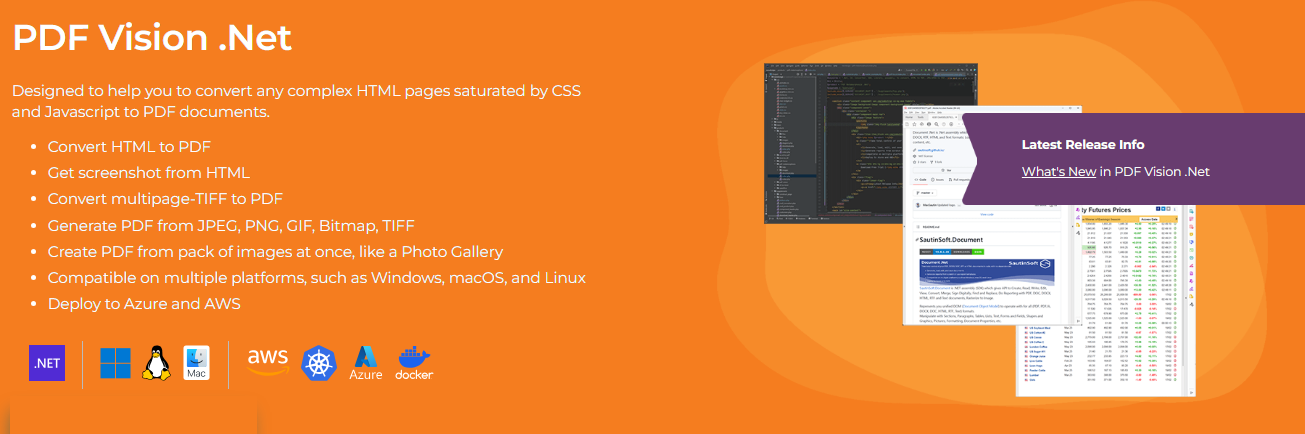
Designed to help you to convert any complex HTML pages saturated by CSS and Javascript to PDF documents. - Convert HTML to PDF - Get screenshot from HTML - Convert multipage-TIFF to PDF - Generate PDF from JPEG, PNG, GIF, Bitmap, TIFF - Create PDF from pack of images at once, like a Photo Gallery - Compatible on multiple platforms, such as Windows, macOS, and Linux - Deploy to Azure and AWS Requires only .NET Framework 4.6.2 or higher. Can be used in .NET 6.0 and higher. Absolutely standalone library.
License
—
Deps
53
Install Size
—
Vulns
✓ 0
Published
Feb 20, 2026
Get Started
$ dotnet add package SautinSoft.PdfVisionReadme


.NET SDK to convert HTML, ASPX, URL to PDF and Images to PDF
SautinSoft.PdfVision is .NET assembly (SDK) which gives API to convert HTML, ASPX to PDF and Image, JPG, Multipages TIFF to PDF.
Quick links
Top Features
- Convert HTML file to PDF file.
- Convert Web-site (URL) to PDF file.
- Convert Images to PDF file.
- Convert HTML file to Image file.
- Merge PDF files into one PDF file.
System Requirement
- .NET Framework 4.6.2 - 4.8
- .NET 6, .NET 8, .NET 9
- Windows, Linux, macOS, Android, iOS.
Getting Started with PDF Vision .Net
Are you ready to give PDF Vision .NET a try? Simply execute Install-Package sautinsoft.pdfvision from Package Manager Console in Visual Studio to fetch the NuGet package. If you already have PDF Vision .NET and want to upgrade the version, please execute Update-Package sautinsoft.pdfvision to get the latest version.
Convert HTML to PDF
string inpFile = Path.GetFullPath(@"..\..\Sample.html");
string outFile = new FileInfo("Result.pdf").FullName;

PdfVision v = new PdfVision();
v.ConvertHtmlToPdf(inpFile, outFile);
Convert JPG to PDF
string inpFile = Path.GetFullPath(@"..\..\image-jpeg.jpg");
string outFile = new FileInfo(@"Result.pdf").FullName;

PdfVision v = new PdfVision();
ImageToPdfOptions options = new ImageToPdfOptions();
v.ConvertImageToPdf(new string[] {inpFile}, outFile, options);
Convert HTML to Image
string inpFile = Path.GetFullPath(@"..\..\Sample.html");
string outFile = new FileInfo("Result.png").FullName;

PdfVision v = new PdfVision();
ScreenshotOptions options = new ScreenshotOptions();
v.GetScreenshot(inpFile, outFile, options);
Resources
- Website: www.sautinsoft.com
- Product Home: PDF Vision .Net
- Download SautinSoft.PdfVision
- Developer Guide
- API Reference
- Support Team
- License