SautinSoft/SautinSoft.Documentv2026.2.19
.NET FW4.6.2.NET FW4.7.1.NET FW4.7.2.NET FW4.8
Document .Net is 100% C# managed library which gives you API to create, parse, load, modify, convert, edit, generate pie charts, merge, do mail merge and digitally sign documents in PDF, DOCX, RTF, HTML and Text formats. Rasterize documents to Images and render to WPF Framework Element. + Completely created in managed C#. No Microsoft Office automation. + Has own DOCX parser and writer according to ECMA-376 specification. + Has own RTF parser and writer according to RTF 1.8 specification. + Has own PDF parser and writer according to PDF reference 1.7. + Has own HTML writer according to HTML5 reference. + Create PDF/A compliance documents. + Digitally sign PDF documents. + Multi-platform: Windows / macOS / Linux.
Get Started
$ dotnet add package SautinSoft.DocumentReadme


.NET SDK to Process & Manipulate Word, PDF documents.
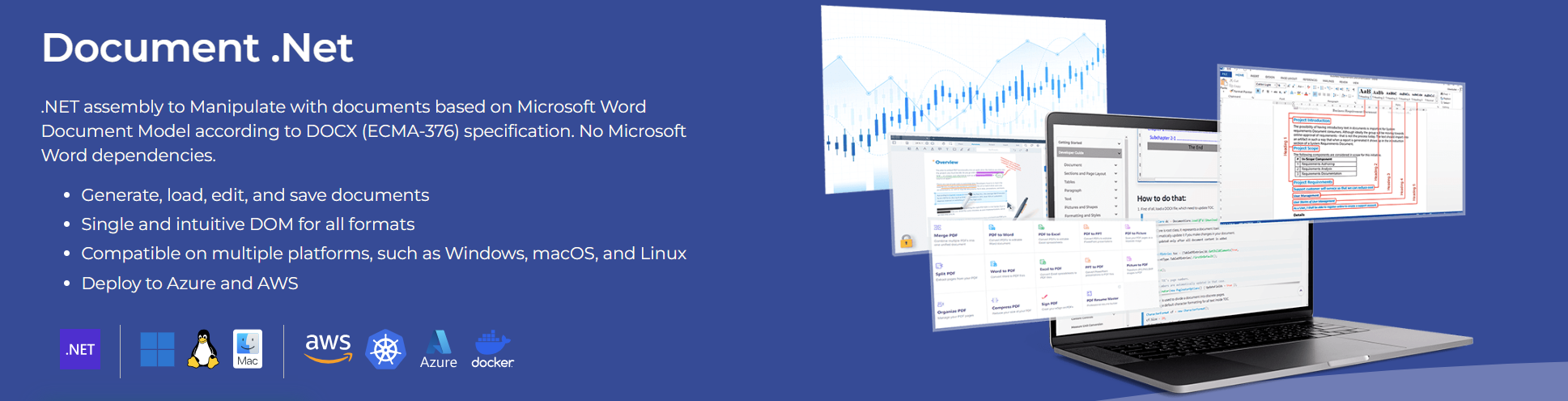
SautinSoft.Document is .NET assembly (SDK) which gives API to Create, Read, Write, Edit, View, Convert, Merge, Sign Digitally, Find and Replace, Do Reporting with PDF, DOC, DOCX, HTML, RTF and Text documents, Rasterize to Image.
Quick links
===============================
Top Features
===============================