Enables swagger documentation for Orchard Core APIs.
$ dotnet add package OrchardCoreContrib.Apis.SwaggerThis module allows you to create APIs documentations using Swagger.
1.6.0
Api
This module has no dependencies.
| Name | Swagger (OrchardCoreContrib.Apis.Swagger) |
| Description | Enables Swagger for OrchardCore APIs. |
| Dependencies |
| Name | Swagger (OrchardCoreContrib.Apis.Swagger.UI) |
| Description | Enables Swagger UI for OrchardCore APIs. |
| Dependencies | OrchardCoreContrib.Apis.Swagger |
OrchardCoreContrib.Apis.Swagger |
| 1.1.0 |
OrchardCoreContrib.Apis.Swagger | 1.0.1 |
OrchardCoreContrib.Apis.Swagger | 1.0.0 |
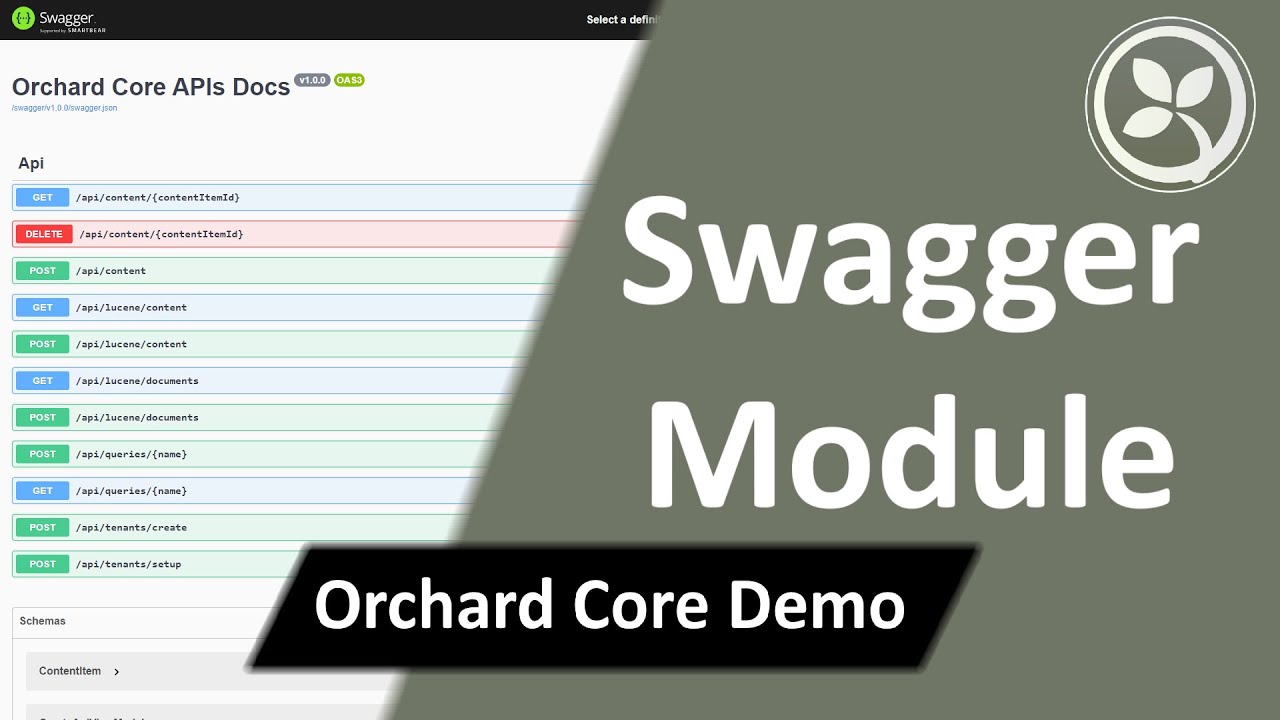
OrchardCoreContrib.Apis.Swagger NuGet package to your Orchard Core host project.Swagger feature.{tenant-URL}/swagger/v1.0.0/swagger.json, you should see all the APIs listed in JSON format.Swagger UI feature.{tenant-URL}/swagger/index.html, you should see all the APIs listed in a pretty styled page.Adding your APIs is not swagger docs is not a difficult task, simply you need:
ApiController.[Route("api/{module}")].HttpGet or HttpPost methods into your contoller.So, If you tried to enable Lucene or Queries modules for instance, their APIs will show up immediately in the swagger docs. That's because every module defined an ApiController in the same way that mentioned above.
For more information about swagger, please refer to ASP.NET Core web API documentation with Swagger / OpenAPI.