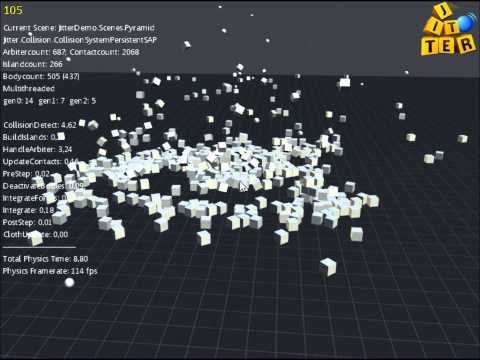
Take advantage of multi-core CPUs by using the internal multithreading of
the engine
Jitter Physics (2D)
The "Jitter-2D" branch is still in development an is not complete.
At this time, it is probably better to make use of Farseer Physics.
Quick Start
Initialize the Physics System
Create a world class and initialize it with a CollisionSystem:
CollisionSystem collision = new CollisionSystemSAP();
World world = new World(collision);
Add Objects to the World
Create a shape of your choice and pass it to a body:
Shape shape = new BoxShape(1.0f, 2.0f, 3.0f);
RigidBody body = new RigidBody(shape);
It's valid to use the same shape for different bodies.
Set the position and orientation of the body by using it's properties.
The next step is to add the Body to the world:
world.AddBody(body);
Run the Simulation
Now you can call the Step method to integrate the world one timestep further.
This should be done in you main game loop:
while (gameRunning)
{
    world.Step(1.0f / 100.0f, true);

    // do other stuff, like drawing
}
The first parameter is the timestep. This value should be as small as possible
to get a stable simulation. The second parameter is for whether using internal
multithreading or not. That's it the body is now simulated and affected by
default gravity specified in World.Gravity. After each timestep the Position
of the body should be different.