IronSoftware/IronXL.Excelv2026.3.1
✓ Verified.NET Std2.0.NET 6.0
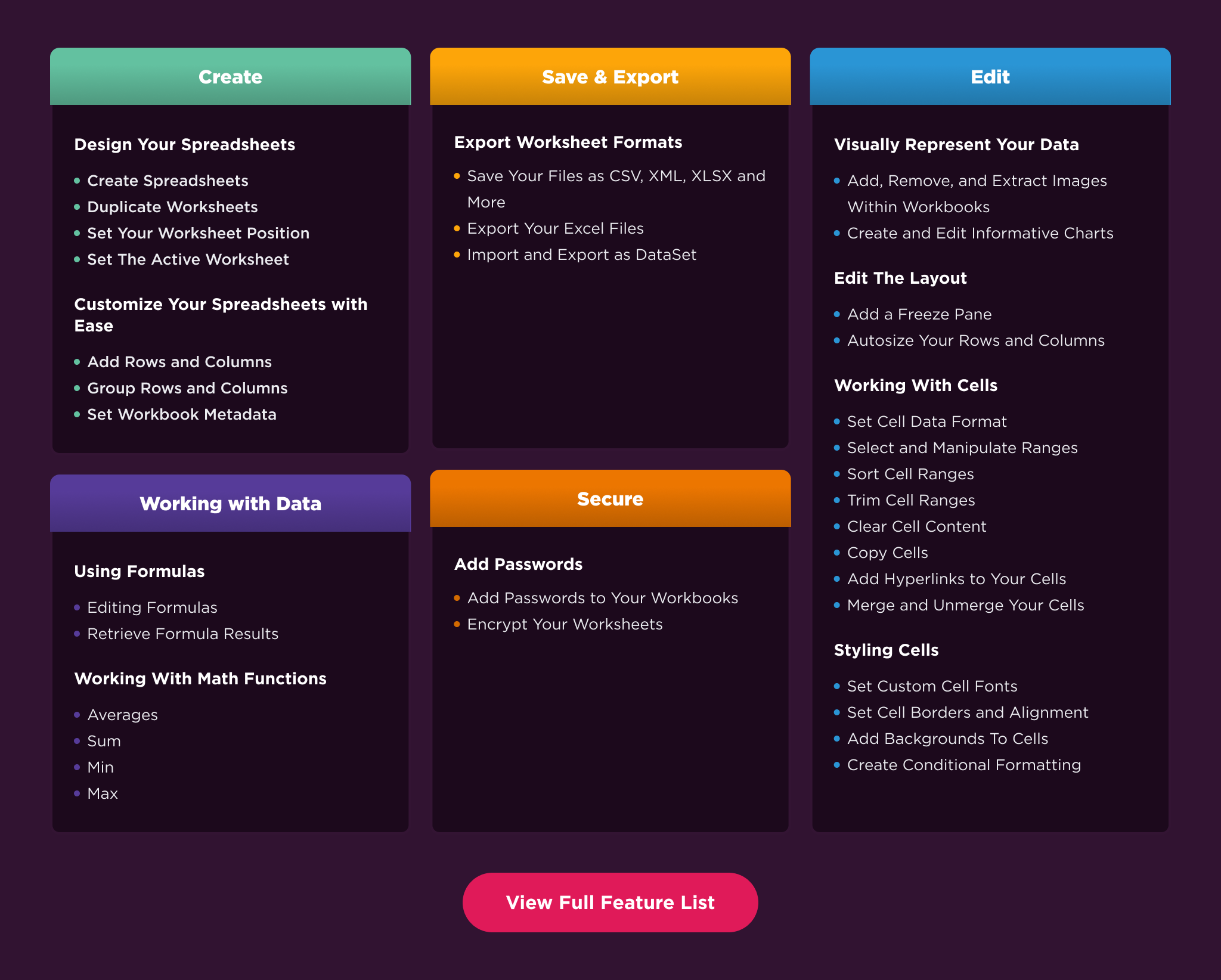
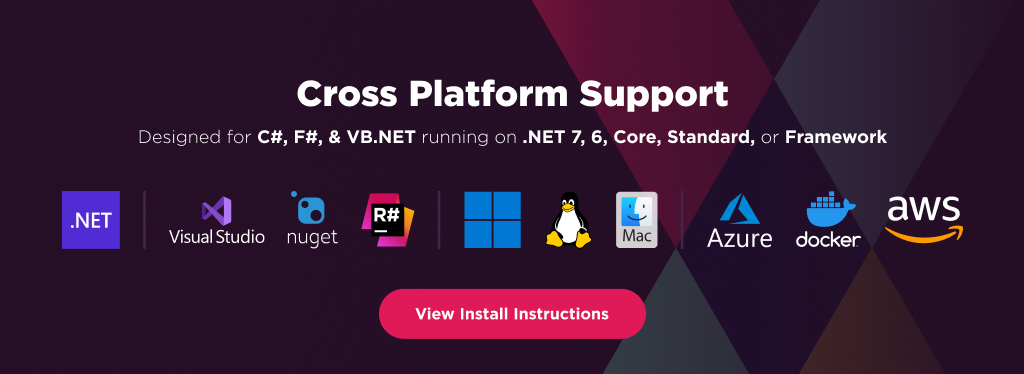
IronXL allows developers to read, generate, and edit Excel (and other spreadsheet files) in .NET applications and websites. It provides a fast and intuitive way to work with Excel and other spreadsheet files in C#. For code samples, documentation, and more, visit https://ironsoftware.com/csharp/excel/. IronXL operates independently of Office Excel Interop, making it compatible with .NET Framework, .NET Core, and Azure without requiring additional dependencies or the installation of Microsoft Office. Key library features include: * Importing data from XLS, XLSX, CSV, and TSV files. * Exporting workbooks and worksheets to XLS, XLSX, CSV, TSV, and JSON formats. * Encrypting and decrypting XLSX, XLSM, and XLTX files with password protection. * Working with spreadsheets as System.Data.DataSet and System.Data.DataTable objects. * Automatic formula recalculation whenever a sheet is edited. * Intuitive range settings using the WorkSheet["A1:B10"] syntax. * Sorting ranges, columns, and rows. * Styling cells with options for font, size, background patterns, borders, alignment, and number formats. IronXL is compatible with C#, VB.NET, MVC, and ASP.NET projects, supporting websites, console apps, and desktop applications. Supported environments include: * .NET Core 2, 3.1 * .NET 5, 6, 7, 8, 9 and 10 * .NET Standard 2 and 3 * .NET Framework 4.6.2 and above * Xamarin, SharePoint, Mono * Azure, AWS, and other cloud hosting platforms * Windows, Linux, macOS, and mobile platforms Licensing and support are available for commercial deployments. For complete documentation, visit https://ironsoftware.com/csharp/excel/. For support please contact us: support@ironsoftware.com
Get Started
$ dotnet add package IronXL.ExcelReadme


%20-107C10?logo=visualstudio)