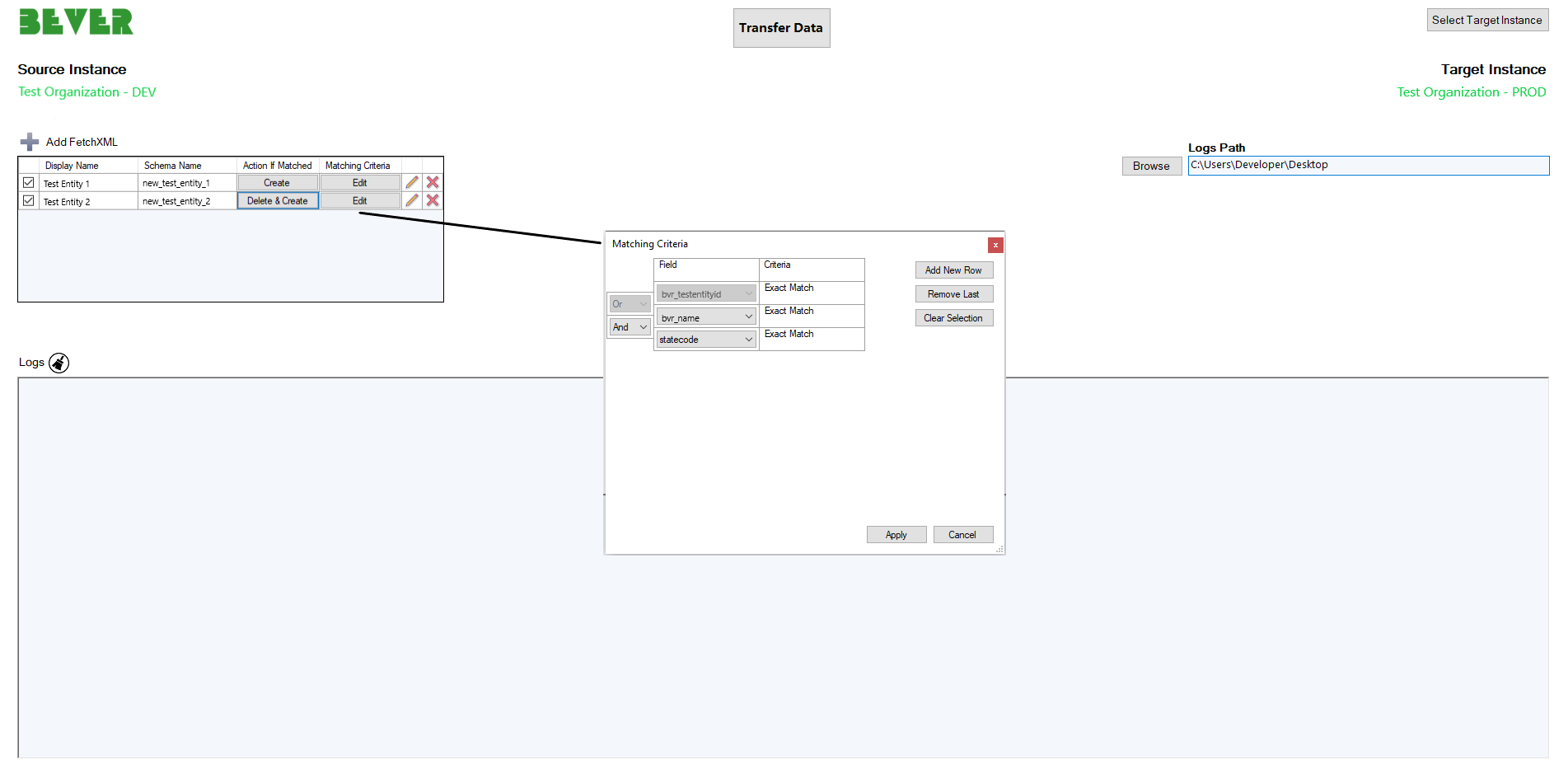
Tool helps to transfer entity records between environments by using FetchXml queries.
Get Started
$ dotnet add package DataMigrationUsingFetchXmlReadme
Data Migration using FetchXml
This utility allows the user to migrate data of the entity from source to target.
The user needs to define FetchXml queries for each entity to which data should be migrated.
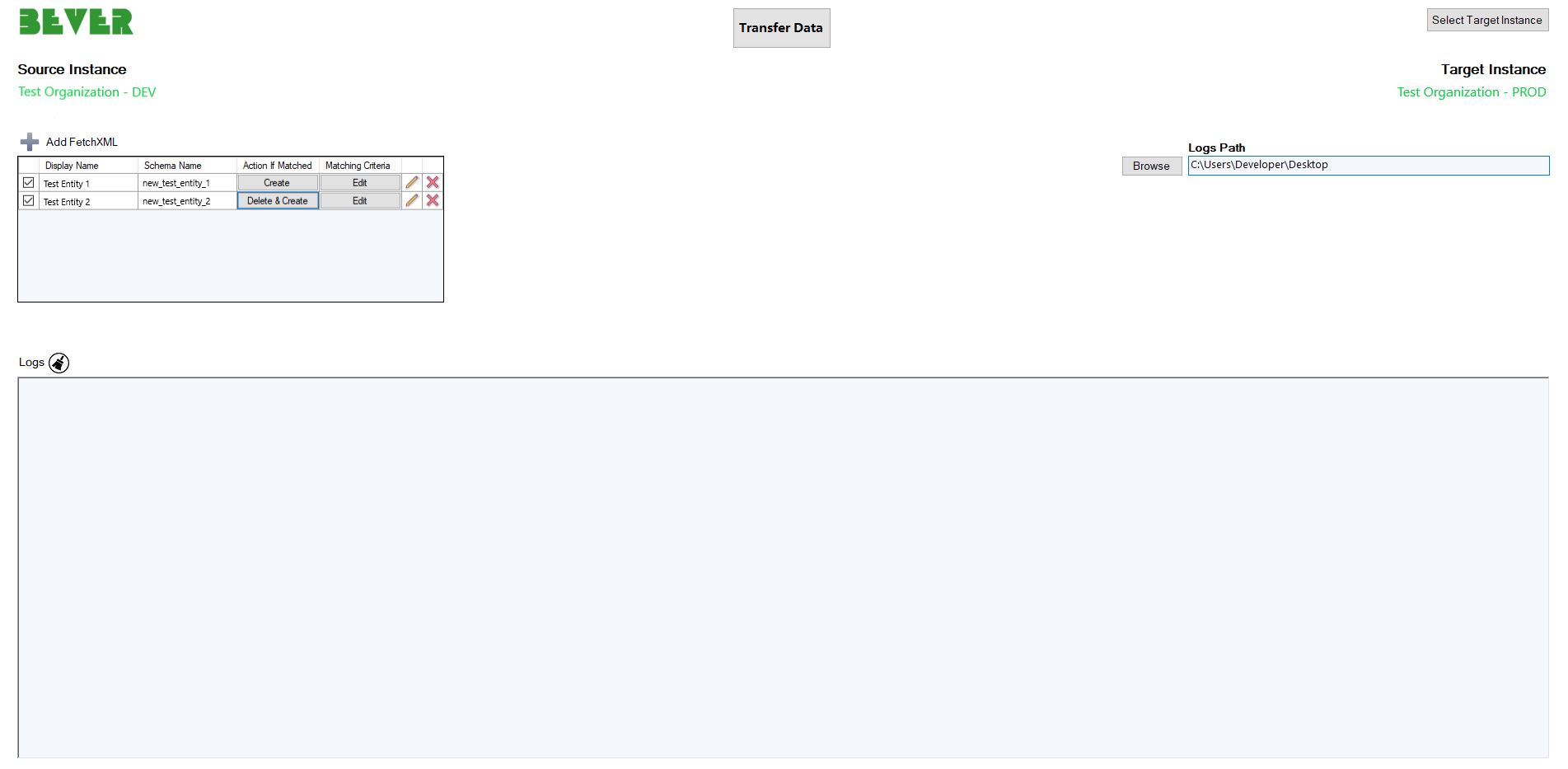
The utility has the following input parameters:
- Source Instance – Source instance is the default instance that is connected via XRMToolBox.
- Target Instance – Target instance can be selected by clicking on the
Select Target Instancebutton. - Logs Path – Directory where the system will save the
Log.txtfile. - FetchXml Table – Table to add FetchXml either by typing manually or selecting a file.
For the lookup fields, the user can specify the search by name instead of searching by id. For that, it’s needed to add the SearchByPrimaryField="true" attribute in the FetchXml attribute tag.
For example
<attribute name="transactioncurrencyid" SearchByPrimaryField="true" />
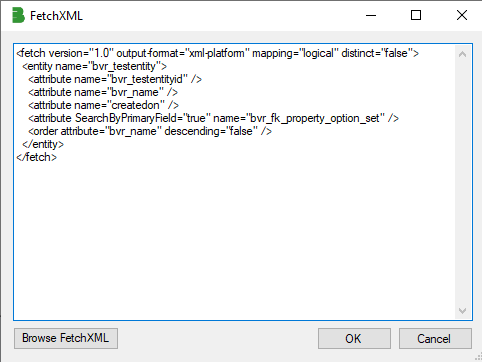
Note` Link entities can be used only for filtering or sorting purposes. For field values migration each FetchXml grid line should represent only one entity.
<br/>
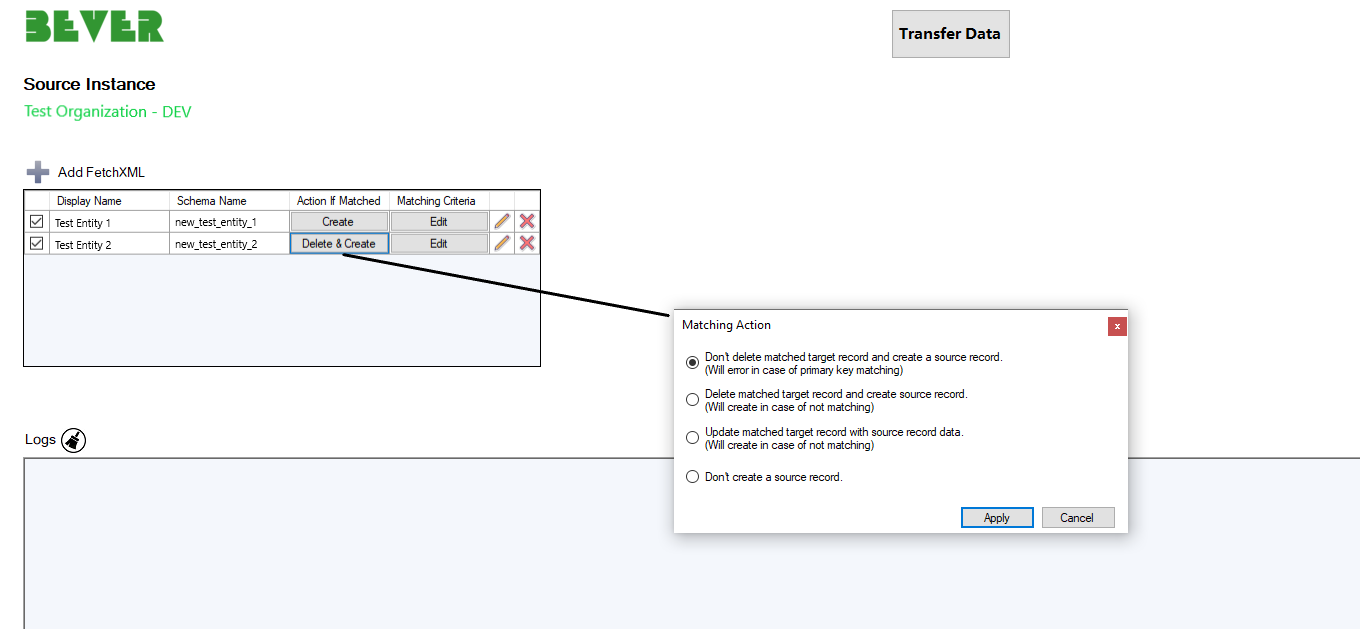
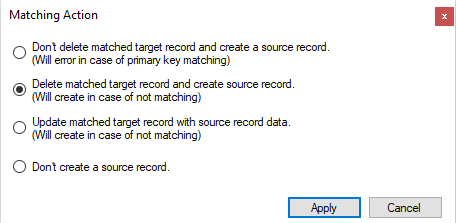
You can update a target instance using the appropriate criteria.
 <br/>
<br/>