User-friendly .NET visuals library designed for console apps
Get Started
$ dotnet add package ConsoleAppVisualsReadme
ConsoleAppVisuals
User-friendly .NET visuals library designed for console apps.





Documentation
We highly recommend you to read the documentation to get started with the library. It contains a detailed guide on how to use the library, its features, and additional articles for the curious ones.
First steps into the library
Principle
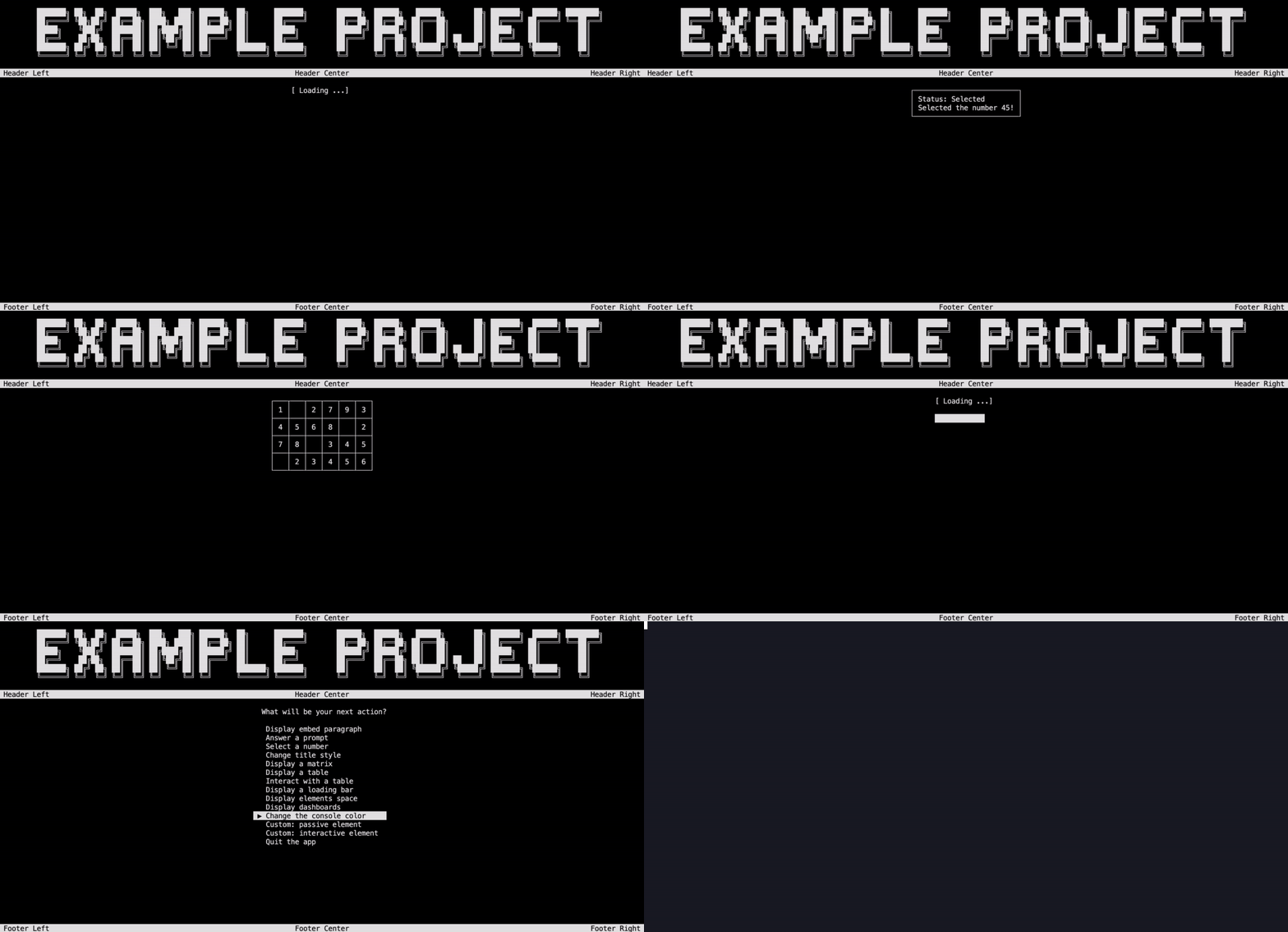
The library is designed to be user-friendly and easy to use. It is based on the concept of "visuals" which are elements that can be displayed in the console. There are two types of visuals:
- Passive visuals: elements that do not change by themselves, you may display several from the same type at the same time
- Interactive visuals: elements that can be updated and create a response that can be collected, you may display only one at a time
- Animated visuals: in-between passive and interactive visuals, they provide an interaction to stop them but do not require a response, you may display only one at a time.
These visuals are stored in Window as a list. From this class, you can display the visuals, add, remove, or update them. Each one of the visual element has its rendering method that lets the Window display it.
The basics of the interaction between the library and the console are defined in the Core class.
Install
Install the library for your project using the .NET CLI:
dotnet add package ConsoleAppVisuals
Install the library for Visual Studio users, go through this tutorial.
Use flow
After installing the library, start by adding the following statement at the beginning of your file:
using ConsoleAppVisuals;
using ConsoleAppVisuals.PassiveElement;
using ConsoleAppVisuals.InteractiveElement;
And then, add the following line to your Main method to set up the console:
Window.Open();
The first step is to create an element to display. For example, let's create a Title element:
Title example = new Title("Hello world!");
Then, you can add it to Window:
Window.AddElement(example);
Finally, you can display the Window:
Window.Render(example);
Do not forget to close the Window at the end of your program:
Window.Close();
Supported .NET versions
| Version | Supported |
|---|---|
| net9.x | :white_check_mark: |
| net8.x | :white_check_mark: |
| net7.x | :white_check_mark: |
| net6.x | :white_check_mark: |
| < net6.x | :x: |
Roadmap
The library is still in active development. The next feature and bug resolutions are listed in the Project section of the GitHub repository.
Security Policy
Consider reading our SECURITY policy to know more about how we handle security issues and how to report them. You will also find the stable versions of the project.
Acknowledgments
Consider reading the ACKNOWLEDGMENTS file. It's a testament to the collaborative effort that has gone into improving and refining our library. We're deeply grateful to all our contributors for their invaluable input and the significant difference they've made to the project.
It also lists the open source projects that have been used to build this library until now.
Contributing
Contributions are what make the open source community such an amazing place to learn, inspire, and create. Any contributions you make are greatly appreciated. To do so, follow the steps described in the CONTRIBUTING file.
We are always open for feedback and discussions. If you are using our library and want to share your use case, or if you have any suggestions for improvement, please feel free to open an issue or open a discussion on our GitHub repository. Your input helps us understand possible use cases and make necessary improvements.
Do not hesitate to star and share the project if you like it!
License
Distributed under the GNU GPL v2.0 License. See LICENSE for more information.